
If you run a WordPress site long enough, you eventually hit a wall.
Pages load slower as traffic grows. Updates break things. Plugins clash. Security alerts start showing up in your inbox. And when something goes wrong, shared hosting support gives you generic replies that do not actually fix the problem.
This is the exact point where most site owners start searching for "managed WordPress hosting."
That search almost always leads to WP Engine.
WP Engine is often described as premium WordPress hosting. It is faster, more secure, and more stable than standard hosting, but it also costs more. That naturally raises a fair question.
Is WP Engine actually worth paying extra for, or is it just clever branding?
This review is written for people who care about performance, uptime, and long-term stability. I will walk you through what WP Engine really offers, who it is best for, where it falls short, and whether it makes sense for your specific use case.
WP Engine is for you if:
- Your site already gets traffic or revenue
- Speed and reliability directly impact your business
- You want fewer technical headaches
WP Engine is not for you if:
- You are launching your first blog on a tight budget
- You want unlimited websites for a few dollars a month
- You rely heavily on unsupported plugins
Let's break everything down clearly, without hype.
WHAT IS WP ENGINE?
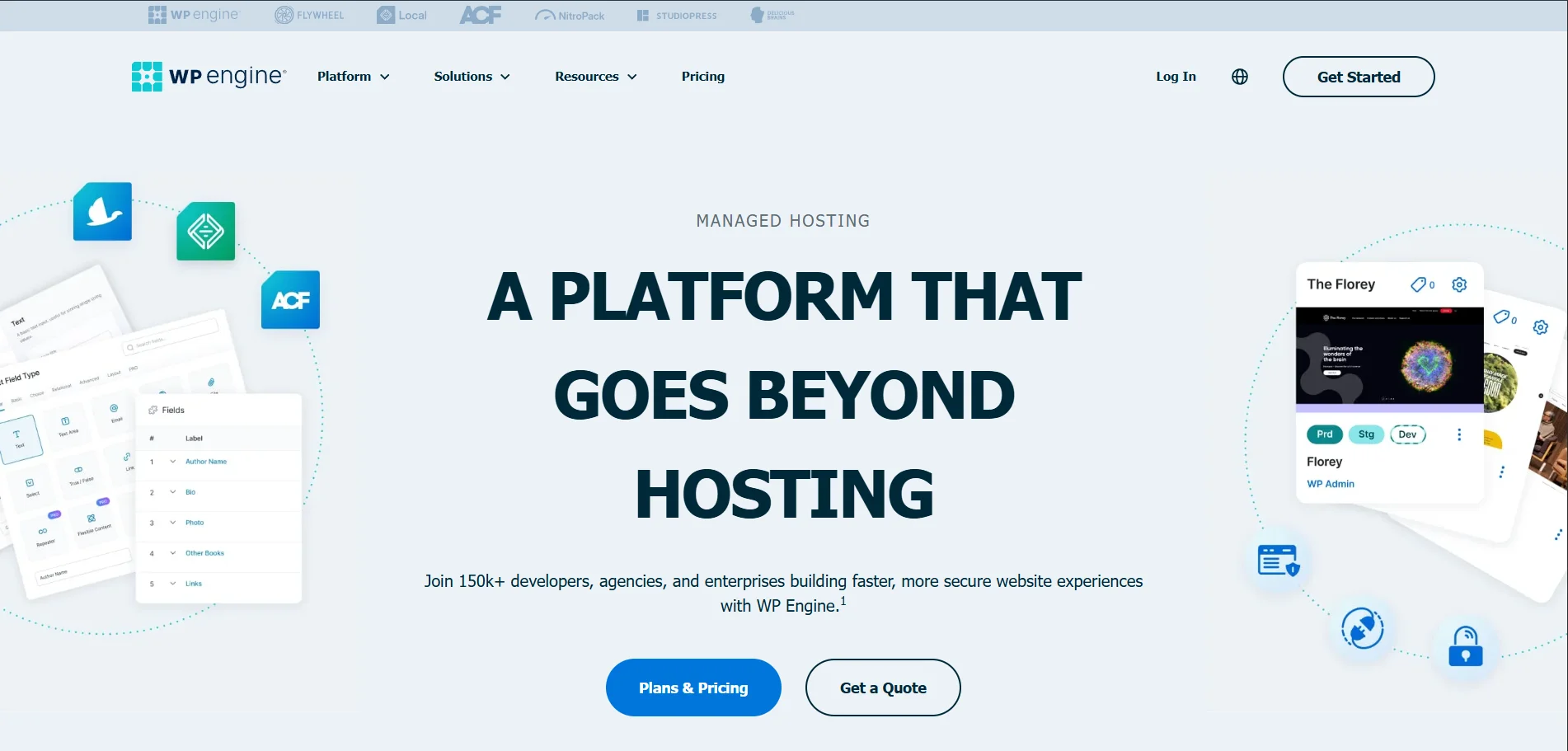
WP Engine is a managed WordPress hosting platform built specifically for WordPress users. Unlike generic web hosts that support dozens of CMS platforms, WP Engine focuses on one thing only: WordPress.
| Feature | Details |
|---|---|
| Product Name | WP Engine |
| Official Website | wpengine.com |
| Developer | WP Engine, Inc. |
| USPs | Managed WordPress hosting, proprietary EverCache® technology, enterprise-grade security, Global CDN, developer-centric tools (Local, Git, Staging) |
| Category | Managed WordPress Hosting Platform |
| Integrations | HubSpot, Cloudflare, New Relic, AWS, Google Cloud, WooCommerce, Stripe, PayPal, SSH Gateway, Git |
| Best For | SMBs, Marketing Agencies, Enterprise Brands, Developers, Mission-Critical High-Traffic Sites |
| Support Options | 24/7 Live Chat, 24/7 Phone Support (Core plans & up), Ticket Support, Dedicated Account Management (Enterprise) |
| Documentation | Extensive Support Center, Developer Documentation, Resource Hub |
| Headquarters | Austin, Texas, USA |
| Number of Employees | 1,200+ |
| Starting Price | $59/month (Essential Plan) |
| Alternatives | Cloudways, Kinsta, Pantheon, SiteGround, Flywheel |
Company background
WP Engine was founded in 2010 by Jason Cohen, a serial entrepreneur who wanted to solve common WordPress performance and scaling issues. The company is headquartered in Austin, Texas, and has grown into one of the most trusted names in the WordPress ecosystem.
Today, WP Engine hosts hundreds of thousands of WordPress sites across the world, including sites for major brands, SaaS companies, publishers, and agencies.
When it launched
- Founded: 2010
- Managed WordPress focus from day one
- Expanded globally with multiple data centers
Why WP Engine became popular
WP Engine gained popularity for a few clear reasons:
- Consistent speed improvements without manual tuning
- Built-in caching that actually works
- Strong security model with proactive threat blocking
- WordPress-specific support teams that understand real issues
Instead of selling "unlimited everything," WP Engine focuses on performance ceilings and stability.
WHO IS THIS PRODUCT FOR?
WP Engine is not designed for everyone, and that is intentional.
Skill level
- Beginners: ❌ Only suitable if budget is not a concern
- Intermediate users: ✅ Very good fit
- Advanced users / developers: ✅ Excellent fit
Best suited for
- Business owners running lead-generation or sales sites
- Content creators with growing organic traffic
- Agencies managing multiple client sites
- Developers who need staging, Git, and performance tools
- WooCommerce store owners who care about checkout speed
Not ideal for
- First-time bloggers
- Very small personal sites
- Users who want cPanel-based hosting
- Sites that rely on unsupported plugins
If your site is part of your income, WP Engine makes sense. If it is a side project, it may feel expensive.
WHAT DO YOU GET? (FEATURES & INCLUSIONS)
Core hosting features
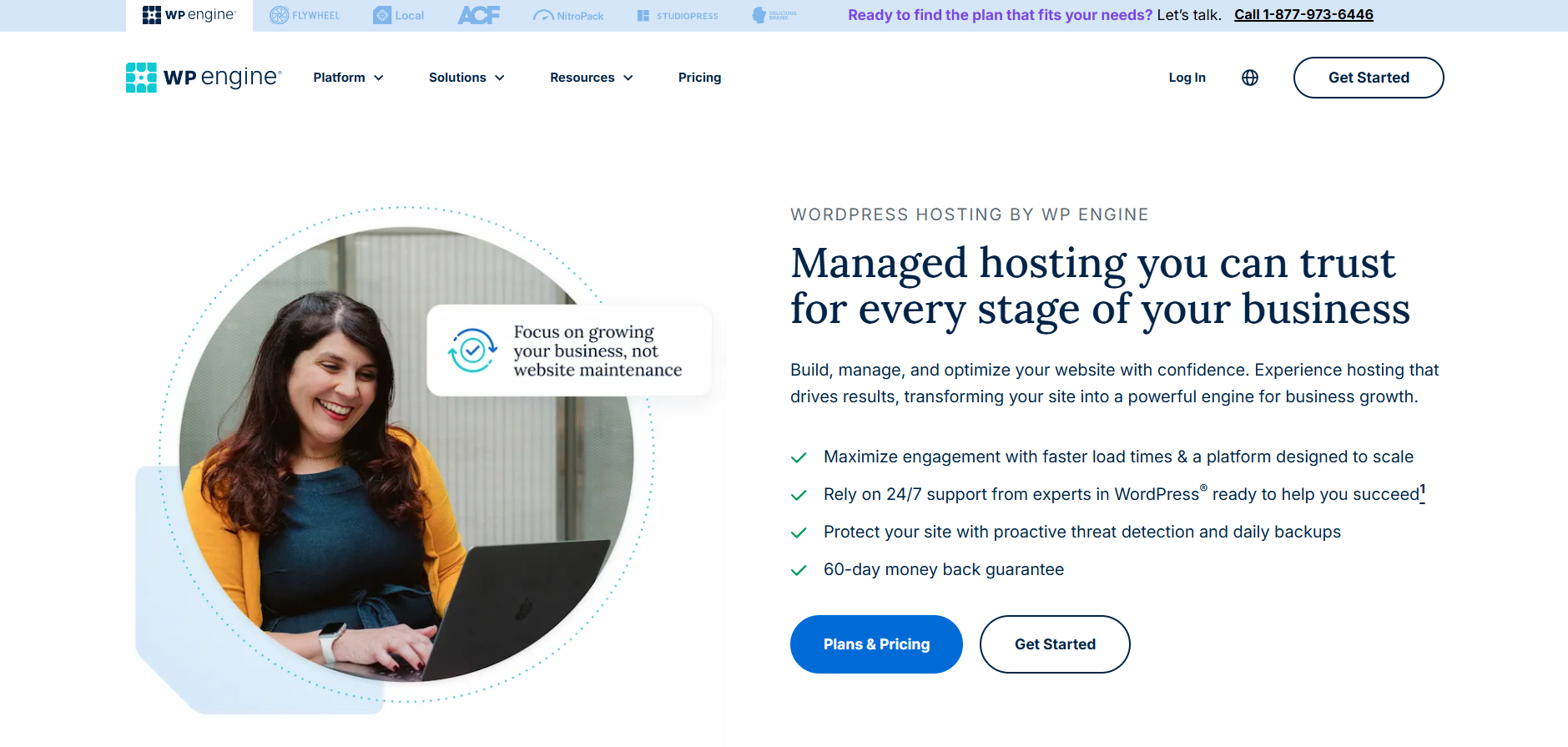
- Managed WordPress hosting
- Optimized server stack for WordPress
- Automatic WordPress updates
- Daily automated backups
- One-click restore points
- Built-in caching (EverCache)
- Global CDN included
- Free SSL certificates
Performance and speed tools
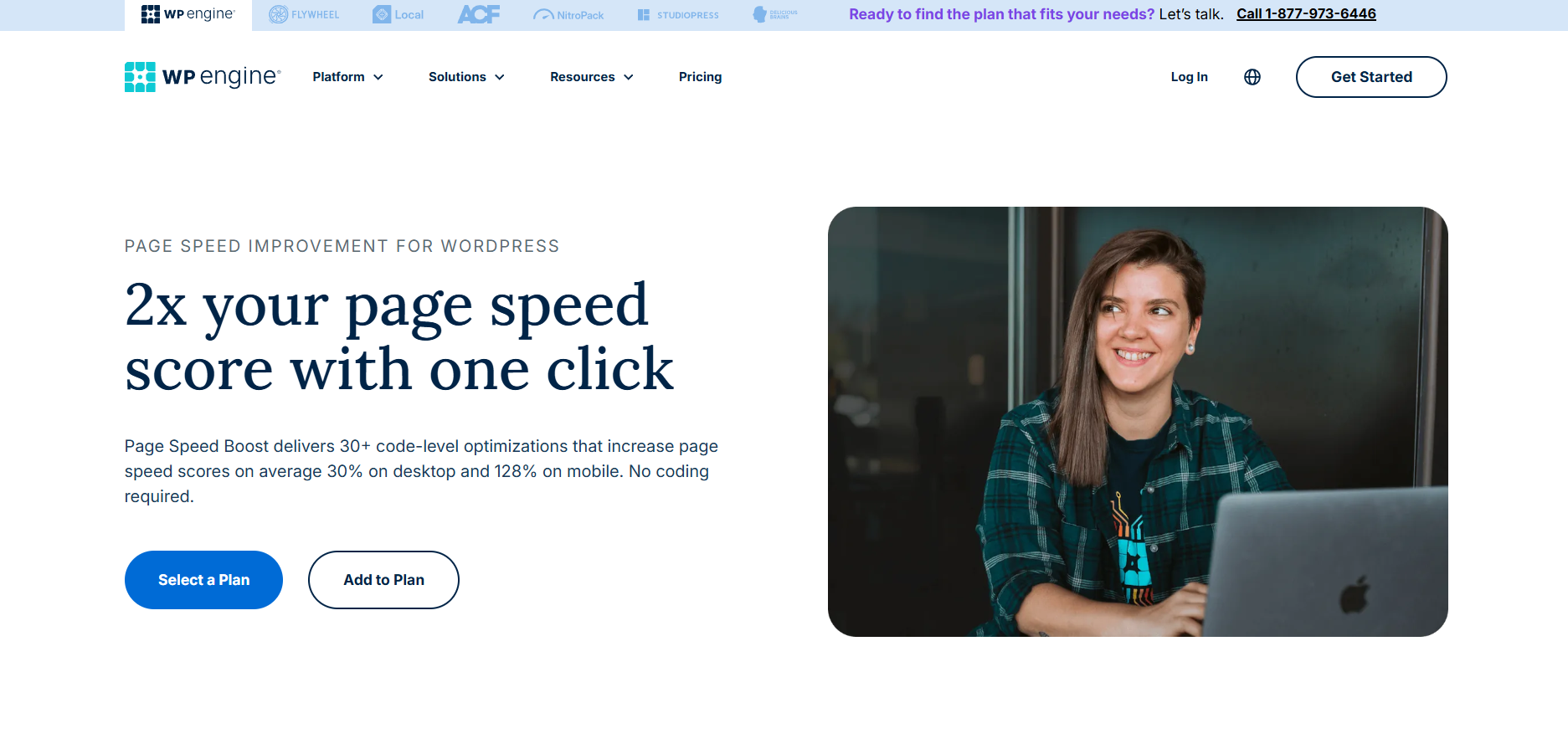
- EverCache proprietary caching
- Server-level optimization
- PHP version control
- Global edge caching
- Fast TTFB across regions
Security features
- Real-time threat detection
- Firewall rules tailored for WordPress
- DDoS mitigation
- Malware scanning
- Free site repair if hacked
Developer tools
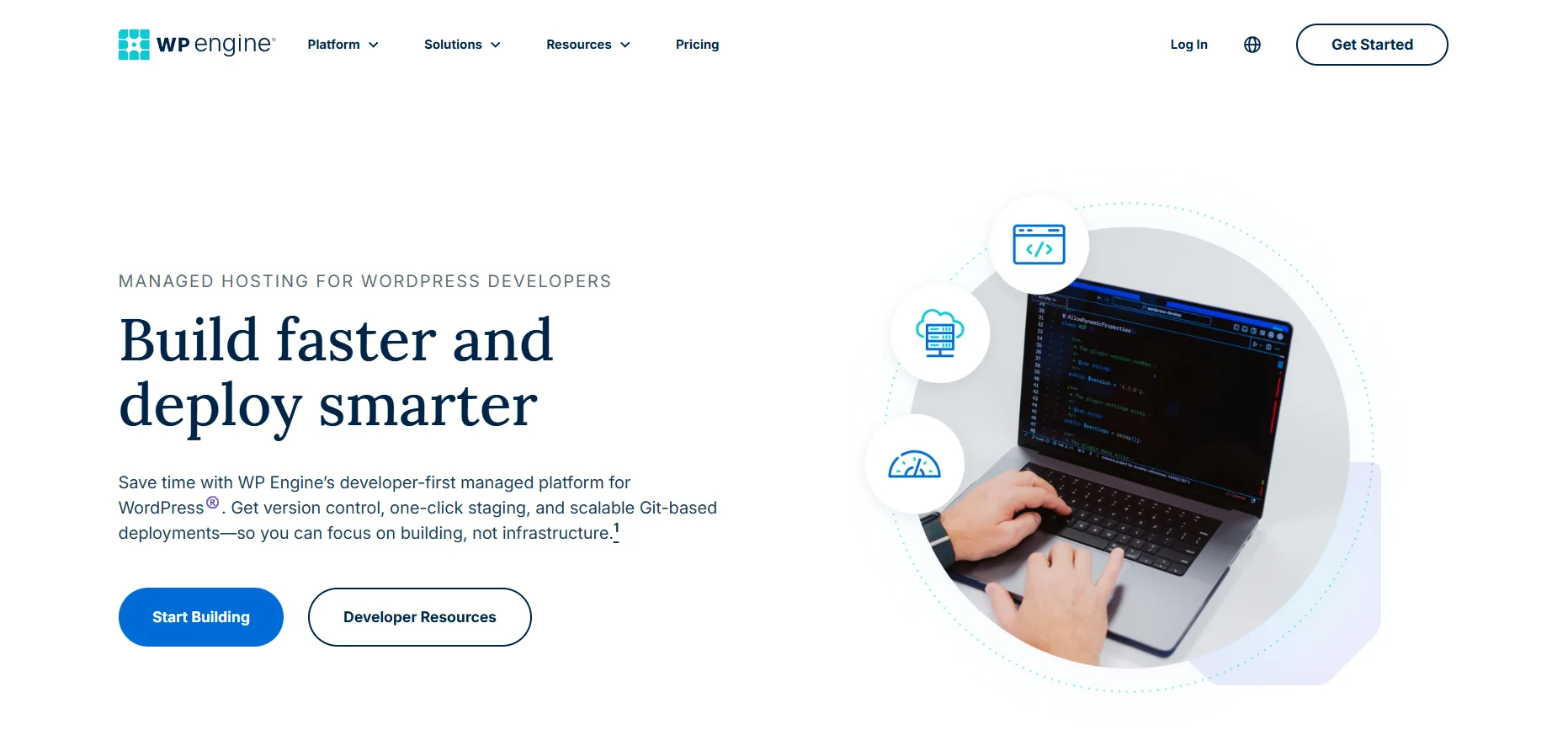
- Staging and development environments
- Git integration
- SSH access
- Transferable installs
- Page performance insights
Themes and design tools
- Free access to Genesis Framework
- 35+ premium StudioPress themes
- Mobile-optimized designs
- SEO-friendly theme architecture
Access and compatibility
- Works on desktop and mobile
- No mobile app needed
- Web-based dashboard
- No lifetime plan (subscription-based)
HOW DOES IT WORK? (STEP-BY-STEP)
Step 1: Sign up
- Choose a plan based on visits and storage
- Select your data center location
- Create your WP Engine account
Step 2: Set up your site
- Install WordPress automatically
- Migrate an existing site using the free plugin
- Or start from scratch with a Genesis theme
Step 3: Dashboard overview
The WP Engine dashboard is clean and focused:
- Site performance stats
- Backup points
- Staging environments
- Plugin update controls
- Security notifications
Step 4: Daily use
- Publish content as usual
- WP Engine handles caching and optimization
- Backups run automatically
- Updates are tested before deployment
Ease of use is high once initial setup is complete.
PROS & CONS
| Pros | Cons |
|---|---|
| Excellent speed and uptime | Higher pricing than shared hosting |
| Strong security without plugins | Visit limits can feel restrictive |
| WordPress-only expert support | Some popular plugins are disallowed |
| Reliable backups and restores | No email hosting included |
| Clean, professional dashboard | Not beginner-budget friendly |
| Free premium themes included |
PRICING & PLANS
| Feature | Essential Plan | Core Plan | Enterprise Plan |
|---|---|---|---|
| Best For | Small Businesses & Freelancers | Growing Businesses & Scalability | Mission-Critical & High Traffic Sites |
| Price | $59 USD/mo (Get 2 months Free!) | Starting at $400 USD/mo | Custom Pricing |
| Ideal Use Case | Simplicity, reliability, and ease of management | Enhanced performance, isolated resources, and expert guidance | High availability, custom infrastructure, and strategic advisory |
| Traffic & Specs | ~75,000 visits/mo · 15 GB Storage · 150 GB Bandwidth | Isolated resources for consistent speed, designed for scaling traffic | High-capacity architecture designed for massive traffic spikes |
| Key Performance Features | Edge content delivery (Global CDN) · Managed WP/PHP/MySQL updates | 99.99% Uptime SLA · AI-powered plugin & theme updates · GeoTarget content delivery | Failover & High Availability · Single-node solutions · Git-powered CI/CD pipelines |
| Support Level | 24/7 Technical Expertise · Real-time threat defense | Fast-Track Senior Support · On-demand performance investigations | VIP Dedicated Expert Team · Top-tier priority access & incident analysis |
| Advanced Tools | Local development tools · Free automated migration plugin | Managed bulk site migrations · Advanced uptime monitoring alerts · Personalized onboarding | Collaborative event prep (e.g., Black Friday) · Ongoing technical alignment · SSH gateway access |
| Available Add-Ons | Auto Plugin Updates (+$4/mo) · Extra Security Layer (+$31/mo) · Page Speed Boost (+$20/mo) | Includes Essential features plus advanced options | Customizable extensions for specific enterprise needs |
Value for money analysis
WP Engine is expensive compared to shared hosting, but affordable compared to:
- Lost revenue from downtime
- Speed-related conversion drops
- Emergency developer fixes
- Security cleanup costs
If uptime and speed affect income, the pricing makes sense.
REAL USER EXPERIENCE / USE CASE
Typical use case
Imagine a content site getting 100,000 monthly visitors.
On cheap hosting:
- Pages load inconsistently
- Traffic spikes cause downtime
- Support tickets take hours
On WP Engine:
- Pages load fast globally
- Traffic spikes are absorbed smoothly
- Support resolves issues in minutes
Learning curve
- Initial setup: 1–2 hours
- Dashboard learning: 30 minutes
- Daily use: very simple
Expected results
- Faster page load times
- Improved Core Web Vitals
- Better SEO stability
- Fewer technical emergencies
Time investment
- Minimal ongoing maintenance
- Most work is handled by WP Engine
FAQs
Is WP Engine good for WordPress beginners?
WP Engine can work for beginners, but it is best for users who already understand basic WordPress workflows.
Is WP Engine worth the cost?
If your site generates revenue or leads, WP Engine is worth the cost due to speed and reliability.
Does WP Engine include email hosting?
No, WP Engine does not provide email hosting. You need third-party email services.
Can I host multiple sites on WP Engine?
Yes, higher-tier plans allow multiple websites under one account.
Is WP Engine good for WooCommerce?
Yes, WP Engine performs well for WooCommerce, especially for stores with steady traffic.
Does WP Engine offer free backups?
Yes, daily automated backups are included, with one-click restores.
Can WP Engine handle high traffic?
Yes, WP Engine is designed for scaling and handles traffic spikes well.
Is WP Engine better than shared hosting?
Yes, in speed, security, support, and uptime, WP Engine is significantly better than shared hosting.
Does WP Engine improve SEO?
Indirectly, yes. Faster load times and uptime stability help SEO performance.
Final Verdict
WP Engine is not cheap, and it does not try to be.
It is built for people who are serious about their WordPress sites and do not want hosting to be a daily concern.
You should buy WP Engine if:
- Your site earns money or drives leads
- Speed and uptime matter
- You want expert WordPress support
- You value long-term stability
You should skip WP Engine if:
- You are just starting out
- Budget is your main concern
- You want unlimited sites at low cost
WP Engine is one of the safest long-term hosting investments for WordPress businesses. If performance equals profit for you, WP Engine is worth it.