
Choosing the right managed WordPress hosting is harder than it should be. On paper, WP Engine and Cloudways both promise speed, security, scalability, and peace of mind. In reality, they solve very different problems for very different users.
This comparison exists because most “WP Engine vs Cloudways” articles oversimplify things. They reduce the decision to price alone, or they ignore the operational reality of running a serious WordPress site.
If you are running a business website, an affiliate site, an agency portfolio, or anything where uptime and performance directly affect revenue, this choice matters more than a few dollars per month.
In this guide, I will compare WP Engine and Cloudways in real terms. Not just features, but who each platform is actually built for, where the hidden friction lies, and why WP Engine comes out as the overall winner for most serious WordPress users.
This comparison is for:
-
Bloggers and affiliate marketers who care about rankings and stability
-
Business owners who want WordPress handled for them
-
Agencies managing client sites at scale
-
Developers who value reliability over tinkering
Quick Comparison Verdict
| Category | Winner | Why It Wins |
|---|---|---|
| Best Overall Winner | WP Engine | More reliable, more refined, and purpose-built for WordPress at scale. |
| Best for Beginners | WP Engine | Everything is optimized out of the box with almost no technical decisions required. |
| Best Value for Money | Cloudways | Cheaper upfront, but usually best suited for technical users as it requires more active management. |
| Best for Advanced Users | Cloudways | Offers significantly more flexibility if you enjoy managing infrastructure details. |
One-Line Recommendation
-
WP Engine: Choose this if you want premium WordPress hosting with zero guesswork.
-
Cloudways: Choose this if you want cloud flexibility and are comfortable managing servers.
Quick Comparison Table (Summary)
| Feature | WP Engine | Cloudways |
| Pricing | Premium, WordPress-focused | Budget-friendly, usage-based |
| Free Trial | No (money-back guarantee) | Yes (3-day trial) |
| Key Features | Managed WP, EverCache, CDN, StudioPress | Cloud servers, flexibility, staging |
| Skill Level | Beginner to advanced | Intermediate to advanced |
| Certificates | SSL included | SSL included |
| Platform Support | WordPress only | WordPress, PHP apps |
| Refund Policy | 60-day refund (annual plans) | No refunds |
Product Overview
WP Engine Overview
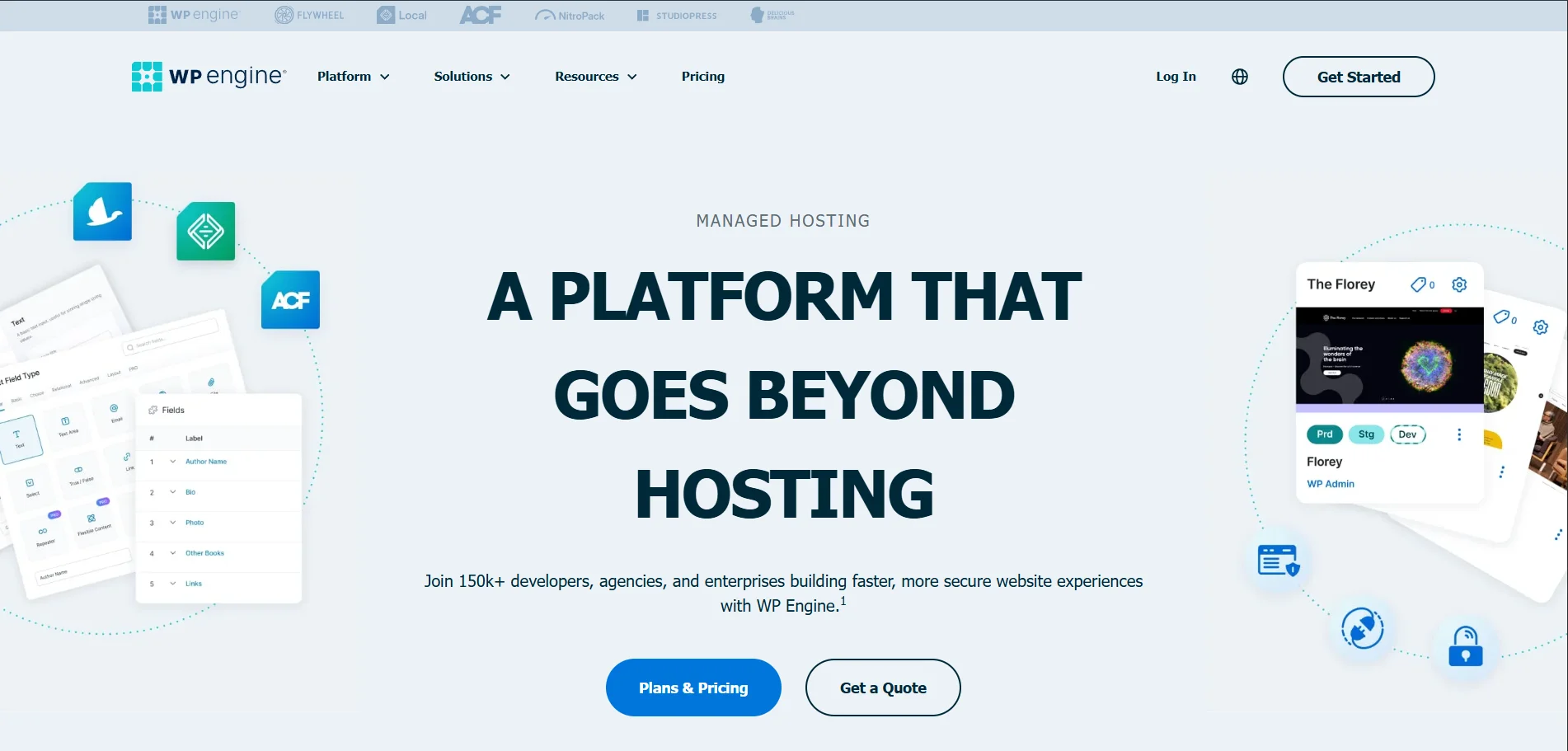
| Feature | Details |
|---|---|
| Product Name | WP Engine |
| Official Website | wpengine.com |
| Developer | WP Engine, Inc. |
| USPs | Managed WordPress hosting, proprietary EverCache® technology, enterprise-grade security, Global CDN, developer-centric tools (Local, Git, Staging) |
| Category | Managed WordPress Hosting Platform |
| Integrations | HubSpot, Cloudflare, New Relic, AWS, Google Cloud, WooCommerce, Stripe, PayPal, SSH Gateway, Git |
| Best For | SMBs, Marketing Agencies, Enterprise Brands, Developers, Mission-Critical High-Traffic Sites |
| Support Options | 24/7 Live Chat, 24/7 Phone Support (Core plans & up), Ticket Support, Dedicated Account Management (Enterprise) |
| Documentation | Extensive Support Center, Developer Documentation, Resource Hub |
| Headquarters | Austin, Texas, USA |
| Number of Employees | 1,200+ |
| Starting Price | $59/month (Essential Plan) |
| Alternatives | Cloudways, Kinsta, Pantheon, SiteGround, Flywheel |
WP Engine is a premium managed WordPress hosting provider designed specifically for WordPress sites that need performance, security, and support handled at a professional level.
Founded in 2010, WP Engine built its reputation by focusing exclusively on WordPress. That focus shows in everything from infrastructure design to support quality.
Core focus
- Performance-first WordPress hosting
- Enterprise-grade security
- Managed updates and backups
Target audience
- Businesses
- Agencies
- High-traffic bloggers
- Affiliate marketers
- Enterprises running WordPress at scale
Cloudways Overview
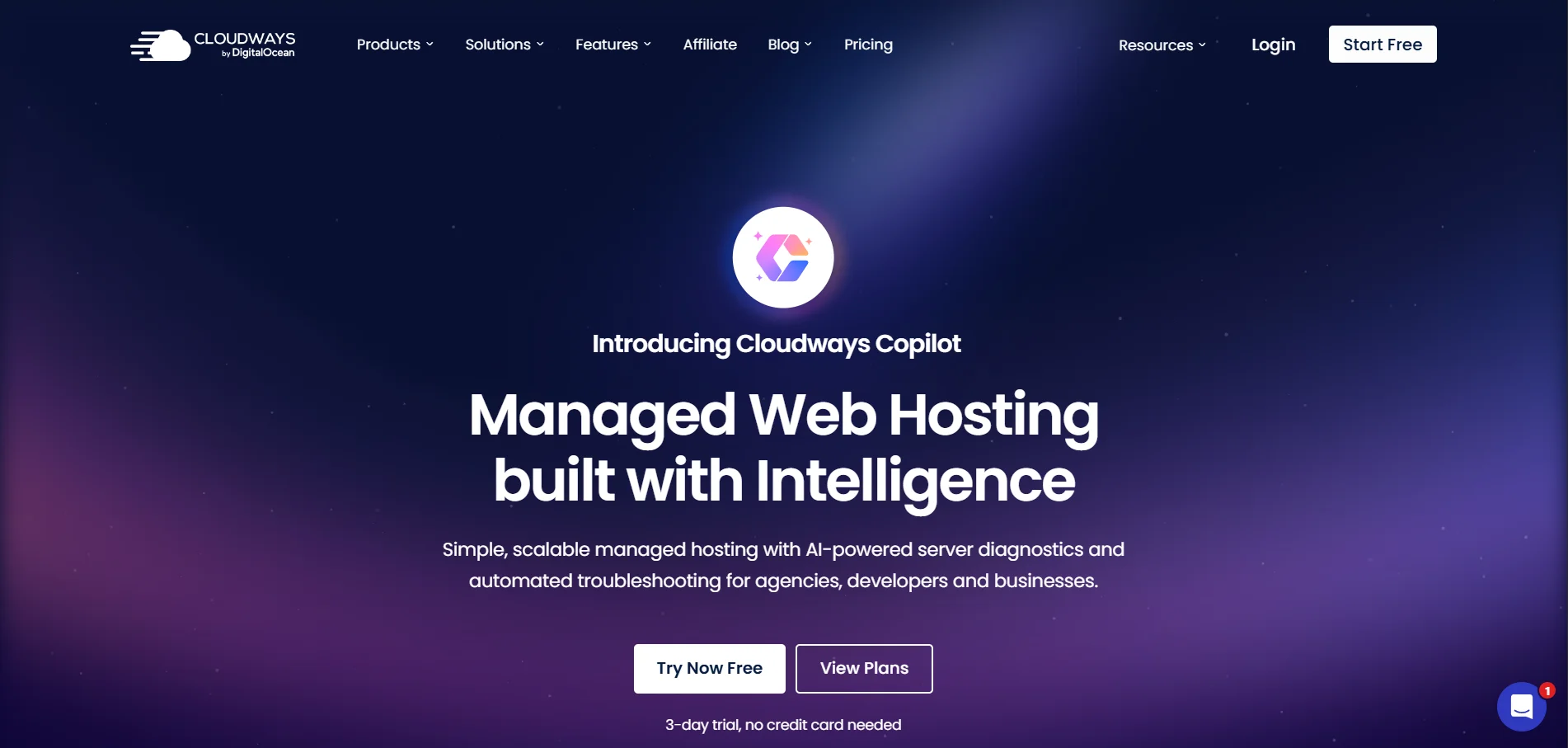
| Feature | Details |
|---|---|
| Product Name | Cloudways |
| Official Website | cloudways.com |
| Developer | Cloudways (A DigitalOcean Company) |
| USPs | Multi-cloud hosting, pay-as-you-go pricing, unlimited sites, Lightning Stack |
| Category | Managed Cloud Hosting Platform (PaaS) |
| Integrations | Cloudflare, Git, SSH, New Relic, WooCommerce |
| Best For | Developers, Agencies, E-commerce, Growing SMBs |
| Support Options | 24/7 Live Chat, Tickets, Knowledge Base |
| Documentation | Knowledge Base, Community Forum, Cloudways Copilot |
| Headquarters | St. Julian's, Malta |
| Starting Price | $14/month |
| Alternatives | WP Engine, Kinsta, SiteGround |
Cloudways is a managed cloud hosting platform that sits on top of providers like DigitalOcean, AWS, and Google Cloud.
Cloudways was built to simplify cloud hosting for developers and power users who want flexibility without dealing directly with raw cloud servers.
Core focus
- Cloud infrastructure abstraction
- Flexibility across providers
- Server-level control
Target audience
- Developers
- Technical agencies
- Users comfortable with cloud concepts
Features Comparison (Detailed)
Content Quality and Platform Focus
- WP Engine: Does one thing—WordPress. Everything is engineered around this single goal. The caching layer, database optimizations, security rules, and CDN integration are all strictly WordPress-specific.
- Cloudways: Supports WordPress, but it is just one option among many. While this flexibility is powerful, it results in fewer opinionated, platform-specific optimizations.
Winner: WP Engine
Depth of Platform Optimization
- WP Engine: Utilizes EverCache, a server-level caching solution (not a plugin) designed specifically for WordPress behavior. Combined with a proprietary CDN and performance stack, it delivers consistent load times even under traffic spikes.
- Cloudways: Relies more on user configuration. You are responsible for manually choosing cache settings, server size, and scaling options.
Winner: WP Engine
Tools and Resources
WP Engine Includes:
- Automatic daily backups
- One-click restore points
- Staging and development environments
- Built-in performance monitoring
- Free StudioPress themes
Cloudways Offers:
- Server-level controls
- Vertical scaling
- Staging environments
- SSH and Git integration
The Verdict: Cloudways gives you more "knobs" to turn. WP Engine gives you fewer knobs because the platform handles the complexity for you.
Winner: WP Engine (for most users)
Updates and Freshness
- WP Engine: Proactively manages WordPress core updates by testing them before rollout. Plugin updates can also be automated safely with rollback features.
- Cloudways: Leaves update management largely in your hands, requiring you to monitor and execute updates yourself.
Winner: WP Engine
Community and Support
- WP Engine: Support teams are certified WordPress experts. When something breaks, they understand the deep technical aspects of WordPress to fix it quickly.
- Cloudways: Support is solid but more generalized. They excel at helping with server issues, but not necessarily WordPress-specific strategy or troubleshooting.
Winner: WP Engine
Pricing and Value Comparison
Before comparing numbers, it is crucial for readers to understand what they are paying for:
- WP Engine (Per-Site Model): You pay for a set number of sites and visits. The premium price covers the "concierge" service, managed updates, and security.
- Cloudways (Resource Model): You pay for server power (RAM/CPU). You can host unlimited sites and take unlimited traffic, provided your server hardware can handle the load.
WP engine
| Feature | Essential Plan | Core Plan | Enterprise Plan |
|---|---|---|---|
| Best For | Small Businesses & Freelancers | Growing Businesses & Scalability | Mission-Critical & High Traffic Sites |
| Price | $59 USD/mo (Get 2 months Free!) | Starting at $400 USD/mo | Custom Pricing |
| Ideal Use Case | Simplicity, reliability, and ease of management. | Enhanced performance, isolated resources, and expert guidance. | High availability, custom infrastructure, and strategic advisory. |
| Traffic & Specs | ~75,000 visits/mo | ||
| 15 GB Storage | |||
| 150 GB Bandwidth | Isolated resources for consistent speed. | ||
| Designed for scaling traffic. | High-capacity architecture designed for massive traffic spikes. | ||
| Key Performance Features | • Edge content delivery (Global CDN) | ||
| • Managed WP/PHP/MySQL updates | • 99.99% Uptime SLA | ||
| • AI-powered plugin & theme updates | |||
| • GeoTarget content delivery | • Failover & High Availability | ||
| • Single-node solutions | |||
| • Git-powered CI/CD pipelines | |||
| Support Level | 24/7 Technical Expertise | ||
| Real-time threat defense. | Fast-Track Senior Support | ||
| On-demand performance investigations. | VIP Dedicated Expert Team | ||
| Top-tier priority access & incident analysis. | |||
| Advanced Tools | • Local development tools | ||
| • Free automated migration plugin | • Managed bulk site migrations | ||
| • Advanced uptime monitoring alerts | |||
| • Personalized onboarding | • Collaborative event prep (e.g., Black Friday) | ||
| • Ongoing technical alignment | |||
| • SSH gateway access | |||
| Available Add-Ons | • Auto Plugin Updates (+$4/mo) | ||
| • Extra Security Layer (+$31/mo) | |||
| • Page Speed Boost (+$20/mo) | Includes Essential features plus advanced options. | Customizable extensions for specific enterprise needs. |
Cloudways
| Plan Tier | Price (Monthly / Hourly) | Hardware Specs (RAM / CPU) | Storage & Bandwidth | Ideal Use Case |
|---|---|---|---|---|
| Micro | **$14/mo** | |||
| ($0.0208/hr) | 1GB RAM | |||
| 1 vCPU | 25GB NVMe | |||
| 1TB Transfer | Personal Use: Simple blogs, portfolios, and static websites needing a dedicated environment. | |||
| Small | **$28/mo** | |||
| ($0.0417/hr) | 2GB RAM | |||
| 1 vCPU | 50GB NVMe | |||
| 2TB Transfer | Growing Business: Dynamic sites with moderate traffic requiring more breathing room. | |||
| Medium | ||||
| (Most Popular) | **$54/mo** | |||
| ($0.0804/hr) | 4GB RAM | |||
| 2 vCPU | 80GB NVMe | |||
| 4TB Transfer | Professional: The "Sweet Spot" for multiple active sites or resource-heavy plugins. | |||
| Large | **$99/mo** | |||
| ($0.1473/hr) | 8GB RAM | |||
| 4 vCPU | 160GB NVMe | |||
| 5TB Transfer | Power Users: WooCommerce stores and complex apps needing quad-core power. |
Hidden Costs
WP Engine Pricing Includes:
- Genesis Framework & StudioPress Themes: A value of roughly $200+ included for free.
- Hacking Fix Guarantee: If your site is hacked, they fix it for free.
- EverCache: Proprietary caching that reduces the need for paid optimization plugins.
Cloudways Pricing Includes:
- Flexibility: Pay-as-you-go hourly billing. If you delete your server after 5 days, you only pay for 5 days.
- Object Cache Pro: Often included in higher tiers (check specific plan details), improving database performance significantly.
Long-Term Value
For serious sites, downtime and performance issues cost more than hosting fees. WP Engine minimizes those risks.
- Best ROI: WP Engine for revenue-driven sites
- Best Budget Option: Cloudways for technical users
Ease of Use and User Experience
Interface Comparison
-
WP Engine’s dashboard is clean and WordPress-focused. Everything is labeled in plain language.
-
Cloudways uses a server-centric dashboard that assumes you understand cloud concepts.
Learning Curve
- WP Engine has almost none. Cloudways has a noticeable learning curve.
Mobile and Desktop Usability
- WP Engine works well on desktop and mobile dashboards. Cloudways is functional but more technical.
Beginner Friendliness
- WP Engine wins by a large margin.
Certificates, Credibility, and Career Value
- Both platforms provide SSL certificates and comply with modern security standards.
- WP Engine carries stronger brand recognition among agencies and enterprises.
- Cloudways is respected among developers but less recognized by non-technical stakeholders.
Pros and Cons (Side-by-Side)
| Category | WP Engine | Cloudways |
|---|---|---|
| Pros | • Best-in-class WordPress performance (EverCache®) | |
| • Excellent support (WordPress experts) | ||
| • Strong security posture (Managed WAF) | ||
| • Minimal maintenance (Updates included) | • Flexible cloud providers (AWS, Google, DO) | |
| • Lower entry cost (Starts at $14/mo) | ||
| • Developer-friendly (Git, SSH, Staging) | ||
| Cons | • Higher pricing (Premium cost) | |
| • WordPress-only (No other CMS supported) | • More management required (DIY Server updates) | |
| • Less WordPress-specific optimization |
Real-World Use Cases
Best for Students
- WP Engine if budget allows. Otherwise Cloudways.
Best for Professionals
- WP Engine
Best for Creators
- WP Engine
Best for Businesses
- WP Engine without question
Ratings Breakdown
| Category | WP Engine | Cloudways |
| Content Quality | ⭐⭐⭐⭐⭐ | ⭐⭐⭐⭐ |
| Pricing | ⭐⭐⭐⭐ | ⭐⭐⭐⭐⭐ |
| Ease of Use | ⭐⭐⭐⭐⭐ | ⭐⭐⭐ |
| Support | ⭐⭐⭐⭐⭐ | ⭐⭐⭐⭐ |
| Overall Value | ⭐⭐⭐⭐⭐ | ⭐⭐⭐⭐ |
Which One Should You Choose?
Choose WP Engine if:
- You want WordPress handled professionally
- Performance affects revenue
- You value support and stability
Choose Cloudways if:
- You enjoy technical control
- You want flexible cloud options
- You are comfortable managing servers
Alternatives Worth Considering
- Kinsta – Premium WordPress hosting similar to WP Engine
- SiteGround – Good mid-range option
- Flywheel – Agency-focused hosting
FAQs
Is WP Engine faster than Cloudways?
Yes, for WordPress sites, WP Engine delivers more consistent performance.
Is Cloudways cheaper than WP Engine?
Initially yes, but costs increase as you scale.
Which is better for SEO?
WP Engine due to speed, uptime, and caching reliability.
Can beginners use Cloudways?
They can, but it requires more technical learning.
Does WP Engine include CDN?
Yes, it is included by default.
Is Cloudways good for agencies?
Yes, especially technical agencies.
Which host is more secure?
WP Engine offers stronger managed security.
Does WP Engine allow custom plugins?
Yes, with some restrictions for performance reasons.
Final Verdict
If you are serious about WordPress, WP Engine is the clear winner. It costs more, but it removes complexity, reduces risk, and delivers consistent performance where it matters.
Cloudways is a strong platform, but it is better suited for users who want control and are comfortable managing infrastructure decisions.
If you want premium WordPress hosting that just works, WP Engine is the smarter long-term choice.