
Creating an online course is one of the most scalable ways to turn expertise into income. Unlike a service business, a course sells while you sleep — you record once and sell indefinitely.
But most creators get stuck before they even start. They either overthink the topic, underestimate the work involved, or pick the wrong platform and end up with a scattered, unsellable product.
This guide walks you through exactly how to create an online course in 2026 — from validating your idea and recording content to choosing a platform, setting the right price, and marketing it to real buyers. Whether you are building your first course or restructuring an existing one, the steps here are practical and sequenced correctly.
What You Need Before You Start Creating an Online Course
Before you open a camera or start outlining modules, there are a few things you need to be clear on:
- A specific skill or knowledge area — not "marketing" but "how to run Facebook ads for local restaurants." The narrower, the better.
- A defined audience — who this is for and what outcome they want
- Basic recording setup — a decent microphone matters more than the camera (audio quality drives course completion rates)
- A distribution plan — how will people find and buy your course?
You do not need a huge audience to launch a course. But you do need a plan. Treat this like a product launch, not a hobby project.
How to Create an Online Course: 10 Steps
Step 1: Choose Your Course Topic
The biggest mistake first-time creators make is choosing a topic they love rather than one people actively pay to learn. Both can overlap, but market demand has to come first.
Start by asking yourself three questions:
- Have I done this professionally or gotten real results in this area?
- Can I predict what a beginner will struggle with?
- Is there evidence that people spend money to learn this?
To validate demand, search Reddit, Quora, and Google Trends for your topic. Look at Udemy and Skillshare — if courses on this topic have hundreds of ratings, that is a strong signal. If nothing exists, that is not a gap in the market, that is a sign there is no market.
Choose a topic where you have a differentiated angle. If 50 people are already teaching "how to do SEO," ask what you know that they do not cover — or who you can serve better (e.g., "SEO for e-commerce stores on Shopify").
Step 2: Define Your Target Audience
Once you have a topic, you need to get specific about who you are teaching. Generic courses get generic results. The more precisely you define your audience, the easier every subsequent decision becomes — from what to include in the curriculum to how you price it.
Build a simple profile of your ideal student:
- Background: Are they complete beginners or people with some experience?
- Goal: What specific outcome do they want from your course?
- Obstacle: What has stopped them from achieving it so far?
- Channel: Where do they spend time online?
This profile shapes your messaging, your course depth, and your marketing. A course for "freelance designers who want to start a studio" is easier to sell than a course for "anyone interested in design."
Step 3: Research Your Topic Thoroughly
Do not assume you know everything just because you are experienced. Good course research means going beyond your own knowledge — you want to include perspectives your students will trust.
Look at:
- Industry reports and academic papers for data
- Top-ranked blog posts and YouTube videos on the topic (understand what information is already free)
- Competitor courses — what do their reviews say students loved or missed?
- Conversations on forums and communities where your audience hangs out
The goal is to identify gaps in existing content and fill them. If every free resource covers beginner concepts but stops short of advanced implementation, your course can own that space.
Also talk to people. A 20-minute call with five potential students will tell you more than five hours of desk research.
Step 4: Create a Course Outline
A good outline is the backbone of your course. Without it, you will end up with rambling videos, redundant content, and students who drop off before finishing.
Start by defining the transformation: what will a student be able to do after completing your course that they could not do before? Write that down as your core learning objective.
Then break it into modules — each module should represent a milestone toward the final outcome. Within each module, define specific lessons. A good lesson covers exactly one thing and takes 5–15 minutes to complete.
Your outline should also include:
- Assessments or quizzes to reinforce learning
- Downloadable resources (templates, checklists, swipe files)
- Action steps at the end of each module
Keep the scope realistic. Overloaded courses have low completion rates, and completion rate is your strongest marketing asset (students who finish are far more likely to leave reviews and refer others).
Step 5: Pick Your Course Format
Not every course needs to be the same length or structure. The right format depends on the depth of the topic and the price point you are targeting.
Mini-course: Short and focused — a few hours of content, usually free or under $100. Works well as a lead magnet or entry product to warm up an audience before selling a higher-priced course.
Multi-day course: Typically 3–7 days or modules worth of content, priced anywhere from $250 to $2,000. This is the most common format. Pre-recorded video modules are the backbone, supplemented by worksheets and community access.
Masterclass: Weeks to months of content, $300–$5,000+ range. Requires established credibility and usually includes live components — Q&A sessions, coaching calls, or a private community.
For content types, talking-head video (camera facing you) drives the highest engagement because it feels personal. Screen recordings work well for software tutorials. Voiceover presentations are efficient for concept-heavy topics. Mix formats based on what each lesson actually needs.
Step 6: Choose the Right Online Course Platform
This decision has long-term consequences, so think carefully before committing. Your platform determines how much control you have, how much you keep per sale, and what tools you have for building your student experience.
The main options fall into three categories:
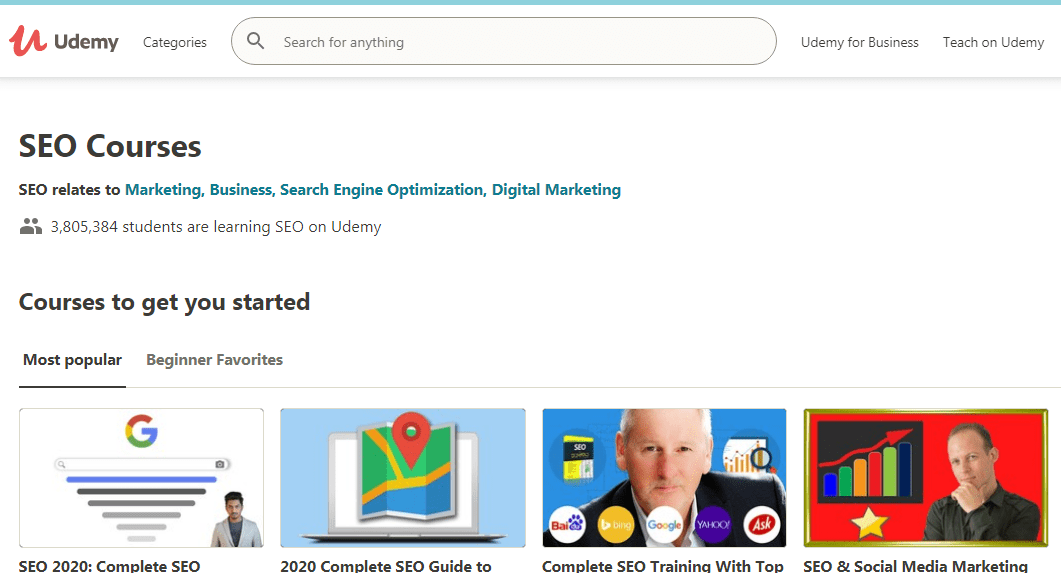
Marketplaces (Udemy, Skillshare): You upload your course, they bring the traffic. The trade-off is low control — they set discounts, you share a large percentage of revenue, and your students are technically their students. Good for passive income if you are not building a brand.
Dedicated course platforms (Thinkific, Teachable, Kajabi): You host your course, build your school, and own the student relationship. Most charge a monthly fee. These are the best choice for most creators who want to build a real business.
Self-hosting on WordPress: Complete control, but significant complexity. You need an LMS plugin (like LearnDash or LifterLMS), payment gateways, and ongoing maintenance. Only worth it if you have technical resources.
For most first-time creators, starting on Thinkific or Teachable is the practical choice. You get a clean student experience, built-in payment processing, and enough customization without the complexity of self-hosting.
Step 7: Film and Edit Your Course Content
Good audio matters more than good video. Students will tolerate slightly soft video, but they will abandon a course with bad audio within minutes. Invest in a USB condenser microphone before anything else.
For video:
- Smartphone cameras are more than good enough for talking-head content
- Record in a quiet room with soft, natural light or a ring light
- Use a clean, uncluttered background — or a blurred virtual background
For screen recordings, tools like Loom, Camtasia, or OBS work well. For talking-head video, edit with iMovie (free on Mac) or DaVinci Resolve (free). Cut out dead air and filler words — tighter videos have better completion rates.
Write a basic script or bullet-point outline before each lesson. You do not need to read word-for-word, but having a structure prevents rambling.
Ship your course faster than feels comfortable. Students consistently rate instructors who are clear and direct over those who are overly polished. You can always update modules later based on feedback.
Step 8: Price Your Course
Pricing is one of the most overthought parts of launching a course. Start by looking at what competitors charge on Udemy, Teachable, and Skillshare for similar content.
Then consider three factors:
- Your authority and audience size — a course from someone with 50,000 followers and a known track record commands a higher price than an identical course from an unknown creator
- The depth of the outcome — a course that teaches a skill worth $50,000/year in salary increase supports a very different price point than a course teaching a weekend hobby
- Your marketing costs — if you are running paid ads, you need margin to cover acquisition costs
For a first course, do not underprice to the point of devaluing the content. A $47 price point signals "beginner," a $297–$497 price point signals "serious transformation." If your content delivers real results, charge accordingly.
Test price points if you have an email list or social following. Run a pre-launch at a discounted founding member rate to validate before going full price.
Step 9: Launch Your Course
A course without a launch plan is a course that no one buys. The launch window — typically 5–10 days — is when you create urgency and concentrate your marketing effort.
Effective launch channels:
- Email list: Your most reliable channel. A sequence of 5–7 emails over the launch window — starting with the problem, building the case, then making the offer — outperforms any other channel for course sales.
- Social media: Share behind-the-scenes content, student transformations, and live Q&As. Use stories and short video to drive urgency.
- Podcast appearances: Guest spots on podcasts in your niche drive warm, pre-sold traffic. Pitch 2–3 months before your launch date.
- SEO and content marketing: Slower but compounding. Write posts that rank for your course topic — readers already searching for the solution are warm leads.
- Paid ads: Viable once you have validated the offer organically. Do not spend on ads until you know your course converts.
Lead magnets work exceptionally well as a pre-launch strategy. Offer a free mini-lesson or resource in exchange for an email address — you build your list while delivering value, and the conversion to a paid course is much higher from this warmed audience.
The long-term funnel matters as much as the launch. Email sequences that educate rather than constantly pitch are what drive course sales 90 days after launch, not just during the launch window.
Step 10: Collect Feedback and Improve
Most creators treat feedback as an afterthought. It is actually the most valuable data you have for improving the course and generating the social proof that sells future students.
After launch, set up:
- A short survey (Google Forms or SurveyMonkey) sent to students at the midpoint and end of the course
- Follow-up emails asking what they implemented and what results they got
- A prompt inside the course platform to leave a review
For higher-priced masterclasses, one-on-one calls with early students give you insights no survey can match. Ask what they would have liked to see covered differently, what they struggled with, and what was most valuable.
Use positive reviews as testimonials on your sales page — they are worth more than any copywriting. Use critical feedback to fix weak modules and add missing content.
Best Platforms to Host Your Online Course
Choosing the right platform is as important as the course content itself. Here is how the major options compare:
| Platform | Best For | Starting Price | Revenue Share |
|---|---|---|---|
| Thinkific | Control + customization | $49/mo (free plan available) | 0% transaction fees |
| Teachable | Beginners, multimedia | $39/mo | Transaction fees on lower plans |
| Kajabi | All-in-one (email + site + course) | $55/mo | 0% transaction fees |
| Udemy | Passive income via marketplace | Free | 50% (97% via own traffic) |
| Skillshare | Creative and lifestyle topics | Free | Royalty per minute watched |
| Podia | Digital downloads + courses | $39/mo | 0% transaction fees |
Thinkific
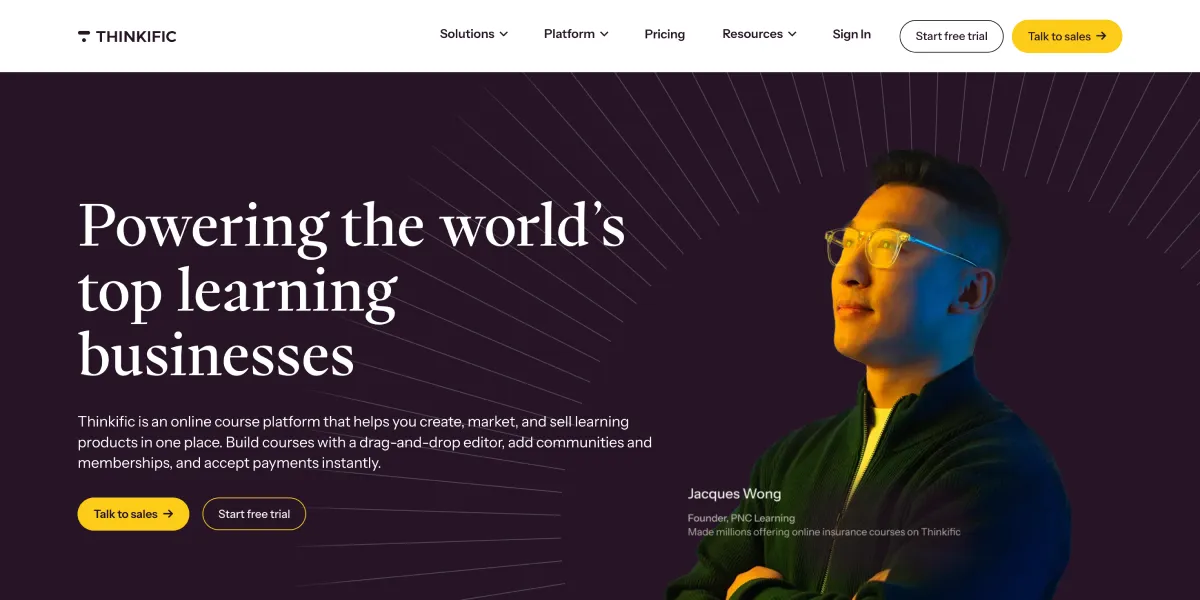
Thinkific is the strongest option for creators who want full control over the student experience without paying per transaction. The free plan supports up to three courses — enough to validate your first offer before committing to a paid plan. The platform handles payments, course delivery, and student management cleanly. The downside is that marketing tools are limited — you will need an external email platform.
Teachable
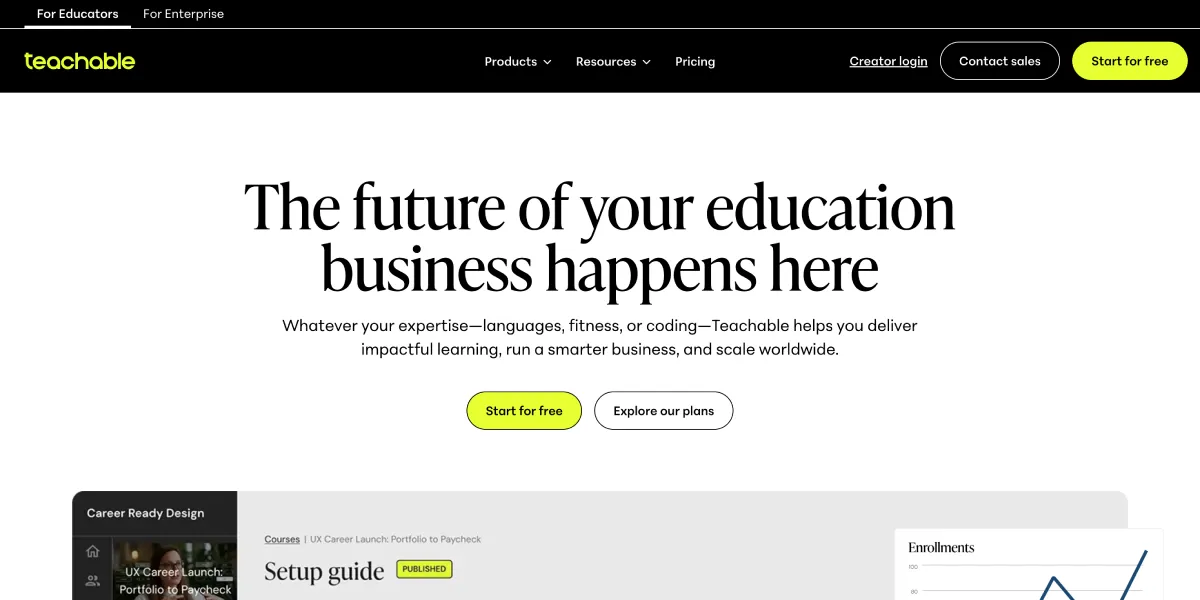
Teachable has a gentler learning curve than Thinkific and handles multimedia content well. It is a solid pick for first-time creators who want to launch quickly. The lower-tier plans charge transaction fees (up to 5%), which adds up as revenue grows — plan to upgrade as your course scales.
Kajabi
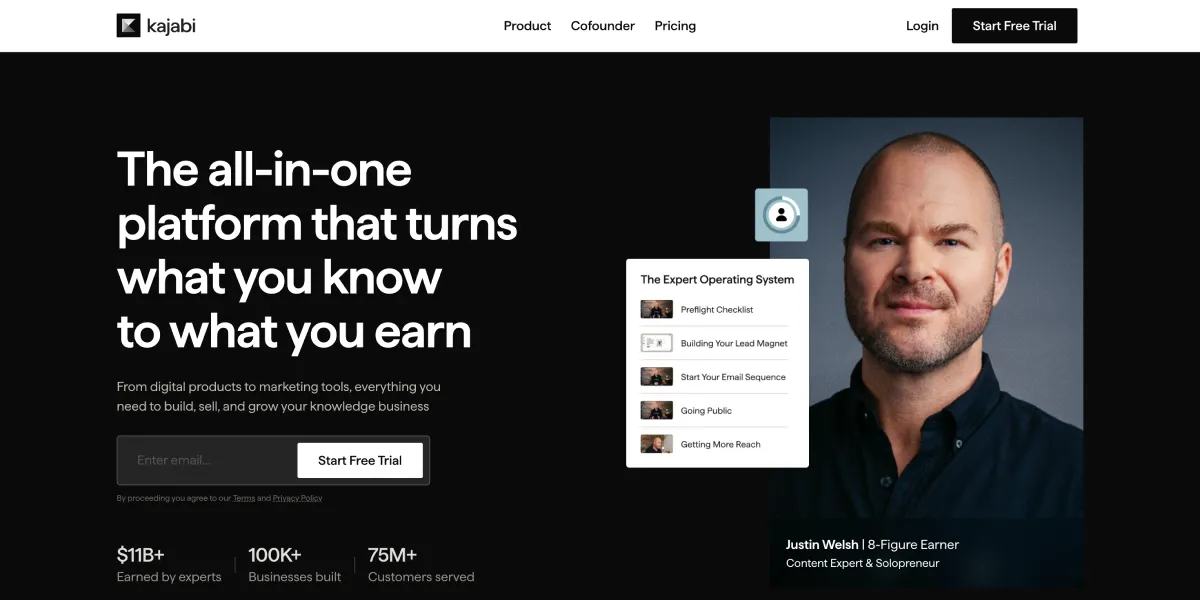
Kajabi is the most expensive option but replaces multiple tools in one. You get a course platform, email marketing, landing pages, and a community — all integrated. If you are serious about building a course business and want to avoid stitching together multiple subscriptions, Kajabi justifies the cost. It is not the right starting point for a first course where you are still validating the concept.
How to Market Your Online Course After Launch
The launch is not the end — it is the beginning. Most course revenue comes in the months after launch, not during the launch week, if you build the right systems.
Content marketing and SEO: Create free content (blog posts, YouTube videos, podcasts) that addresses the exact questions your potential students are searching for. This builds long-term organic traffic that feeds your course sales page continuously. If you want to track your search rankings and see which content is driving traffic, a tool like the ones covered in our best SERP tracking tools guide will help you measure what is working.
Email nurture sequences: After your launch, set up an automated sequence for new subscribers. Over 5–10 emails, deliver genuine value — tutorials, case studies, resources — and introduce the course as the next step for those who want to go deeper. This sequence runs forever and drives sales on autopilot.
Affiliate and referral programs: Happy students are your best salespeople. Platforms like Thinkific and Teachable have built-in affiliate tools. Offer 20–40% commission to students who refer new buyers — this scales your reach without ad spend.
Community building: A free community (Discord, Circle, or a Facebook group) around your course topic keeps your audience engaged between purchases and creates a warm pool of buyers for future courses.
Paid advertising: Once you know your course converts — meaning you have organic sales and a clear conversion rate — paid ads become a reliable growth lever. Start with retargeting (ads to people who visited your sales page) before running cold traffic campaigns.
FAQs
How much does it cost to create an online course?
The bare minimum cost is close to zero if you use a free plan on Thinkific and record with existing equipment. Realistically, budget $200–$500 for a basic microphone, lighting, and editing software. Platform fees start at $39–$55/month on paid plans. High-production courses with professional editing can cost several thousand dollars, but production quality rarely determines whether a course sells — the content and marketing do.
Do I need expensive equipment to record my course?
No. A USB condenser microphone ($50–$100), decent lighting (a ring light or window light), and a modern smartphone camera are enough to produce professional-quality course content. Audio quality is the highest-impact investment. Beginners consistently rate courses with clear audio and a direct teaching style above polished but shallow productions.
Which platform is best for first-time course creators?
Thinkific is the strongest starting point for most creators. The free plan lets you launch up to three courses without any monthly fee, and there are no transaction fees on any plan. Teachable is a close second if you prefer a slightly simpler setup. Avoid Kajabi as a starting point — it is an excellent platform but expensive to validate an unproven course on.
How long should an online course be?
As long as it needs to be to deliver the promised outcome — and no longer. A focused mini-course can be 60–90 minutes. A comprehensive multi-module course can run 6–15 hours. The mistake most creators make is adding length to justify the price. Completion rates are a better signal than duration. If students finish your course and get results, the length is right.
How do I price my online course?
Look at comparable courses on Udemy, Teachable, and Skillshare to set your range. Then price based on the value of the outcome, not the hours of content. A course teaching a skill that leads to a $10,000 client can reasonably sell for $497–$997. A course on a lifestyle topic might price at $97–$197. Start with a founding member price 30–40% below your target price to generate early reviews and social proof, then raise the price.
Can I create an online course with no audience?
Yes, but you will need to build one simultaneously. Start by creating free content on one platform — a blog, YouTube channel, or podcast — around your course topic. Drive traffic to a lead magnet (a free mini-lesson or checklist) to grow an email list. Even 200 engaged subscribers is enough to validate and sell a first course. A marketplace like Udemy is another path — their built-in traffic removes the audience requirement, though revenue per student is much lower.
How long does it take to create an online course?
A focused mini-course can be produced in 2–4 weeks if you are working part-time on it. A full multi-module course takes 2–4 months to outline, record, edit, and set up properly. The fastest path is to outline first (week 1), record all video in batches (weeks 2–3), edit and upload (week 4), and launch before you feel fully ready. Perfectionism adds months without adding proportional value to students.
Is Creating an Online Course Worth It?
For most knowledge workers, consultants, and experienced professionals, yes — creating an online course is one of the highest-leverage things you can do. The upfront investment is real: 2–4 months of focused work, a few hundred dollars in tools, and a learning curve on platforms and marketing.
But the return compounds. A well-built course on the right platform continues generating revenue for years with minimal maintenance. It builds your authority in your niche, attracts consulting and speaking opportunities, and creates a foundation for more products.
The creators who fail are those who build the course without validating the topic, underinvest in marketing, or expect passive income immediately. Treat it as a product business, not a side project, and the economics work in your favor.
If you have expertise that others would pay to learn, the tools and platforms available in 2026 make it easier than ever to build, host, and sell a professional course. The barrier is not technical — it is execution.