
Whether you want to learn a new skill or sell your expertise online, choosing the right platform matters more than most people realize. The wrong choice can mean paying transaction fees on every sale, losing control over your pricing, or ending up on a platform where your target audience simply does not hang out.
This guide covers the best online learning platforms in 2026 from two angles: what works for students looking to upskill, and what works for creators who want to build and sell courses. I've broken down pricing, revenue models, and the key trade-offs for each platform so you can pick the one that actually fits your situation.
If you're also planning to build your own course from scratch, check out my guide on how to create an online course.
What to Look for in an Online Learning Platform
The criteria differ significantly depending on whether you're a student or a creator.
For Students
- Course variety and depth across your subject area
- Self-paced vs. live learning options
- Certificates or credentials (especially if career-relevant)
- Quality of instructors and production value
- Price per course or subscription cost
- Mobile app and offline access
For Course Creators and Instructors
- Revenue share or pricing model (flat fee vs. commission)
- Transaction fees — these add up fast at scale
- Control over pricing and discount decisions
- Student management: enrollment, analytics, and communication tools
- Built-in email marketing or integrations with your existing tools
- Ability to build a branded experience vs. being one listing among thousands
The 8 Best Online Learning Platforms in 2026

Here is a quick comparison before we go into the details:
| Platform | Best For | Creator Pricing | Transaction Fees |
|---|---|---|---|
| Thinkific | Full control, zero fees | From $49/mo (free plan available) | None |
| Teachable | Fast launch, beginners | From $39/mo (free plan available) | Yes (lower plans) |
| Kajabi | All-in-one course business | From $55/mo | None (higher plans) |
| Udemy | Marketplace passive income | Free to upload | 50% revenue share |
| Skillshare | Creative topics | Free to upload | Per-minute royalty |
| Demio | Live webinars | From $49/mo | N/A |
| Coursera | Academic credentials | Revenue share (partnership only) | N/A |
| MasterClass | Student-only | Not available for creators | N/A |
1. Thinkific
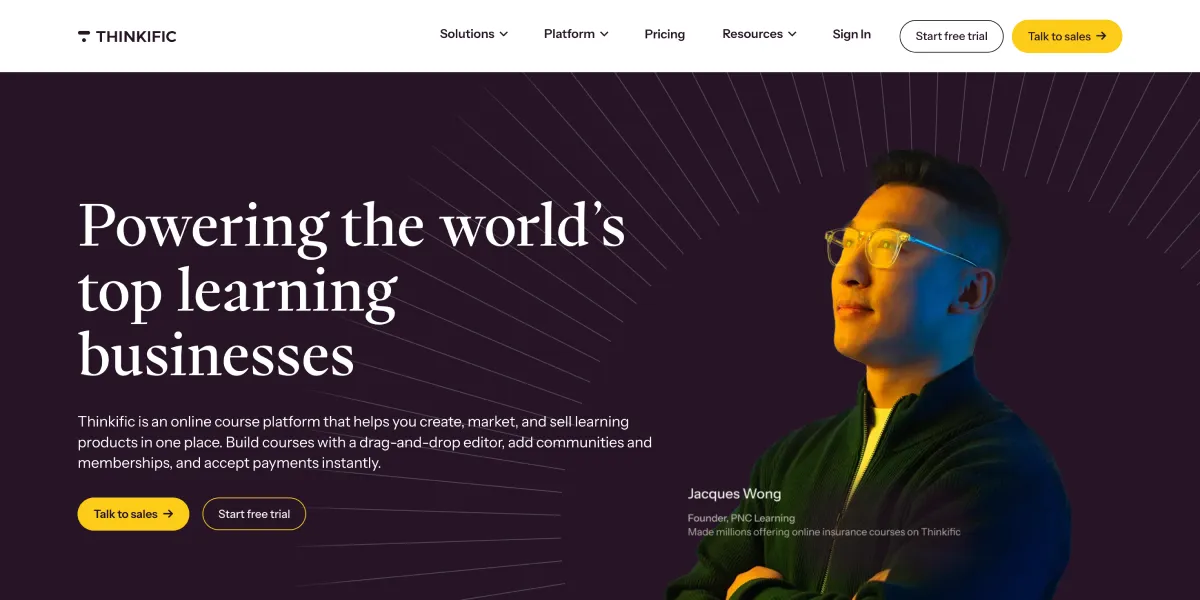
Thinkific is built for creators who want full ownership of their courses and student experience. You host your content on a branded school, set your own prices, and keep 100% of the revenue — there are no transaction fees on any plan, including the free one.
Pros:
- Zero transaction fees on all plans
- Strong course analytics and student progress tracking
- Integrates well with Mailchimp, ConvertKit, Zapier, and other tools
- Free plan supports up to 3 courses with unlimited students
Cons:
- Design customization is somewhat limited compared to standalone website builders
- Advanced features like assignments and certificates require higher-tier plans
- Takes some time to get set up if you're starting from zero
Pricing: Free plan (3 courses), Basic at $49/mo, Start at $99/mo (billed annually). No transaction fees on any plan.
Best for: Creators who prioritize keeping all their revenue and want a clean, no-surprises pricing model.
2. Teachable
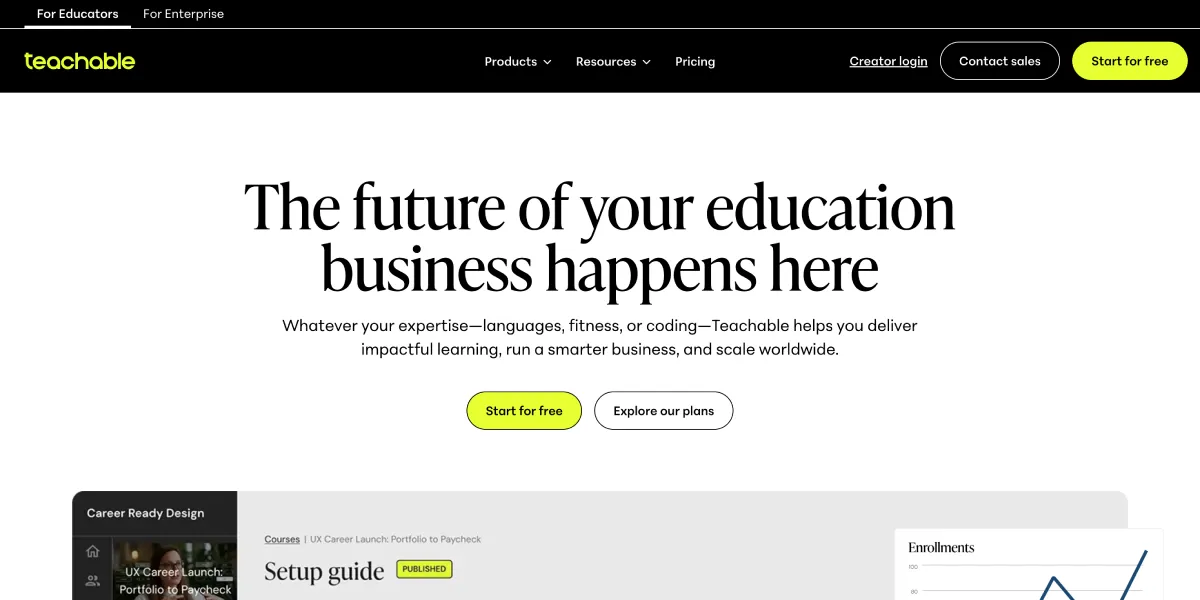
Teachable has long been one of the most beginner-friendly course platforms. The setup is fast — you can have a course live in a few hours — and the built-in payment processing handles checkout, taxes, and refunds without much fuss.
Pros:
- Very easy to set up and start selling
- Integrated payment processing (Stripe and PayPal)
- Good student management and affiliate program tools
- Customizable sales pages and branding
Cons:
- Transaction fees on the free and Basic plans (5% and then none on Pro+)
- Design customization is limited compared to building a standalone site
- Monthly pricing at higher tiers can feel steep for newer creators
Pricing: Free plan available, Basic at $39/mo, Pro at $119/mo (billed annually). Transaction fees apply on lower plans.
Best for: Creators who want to launch fast without overthinking the tech, and can upgrade once revenue justifies it.
3. Kajabi
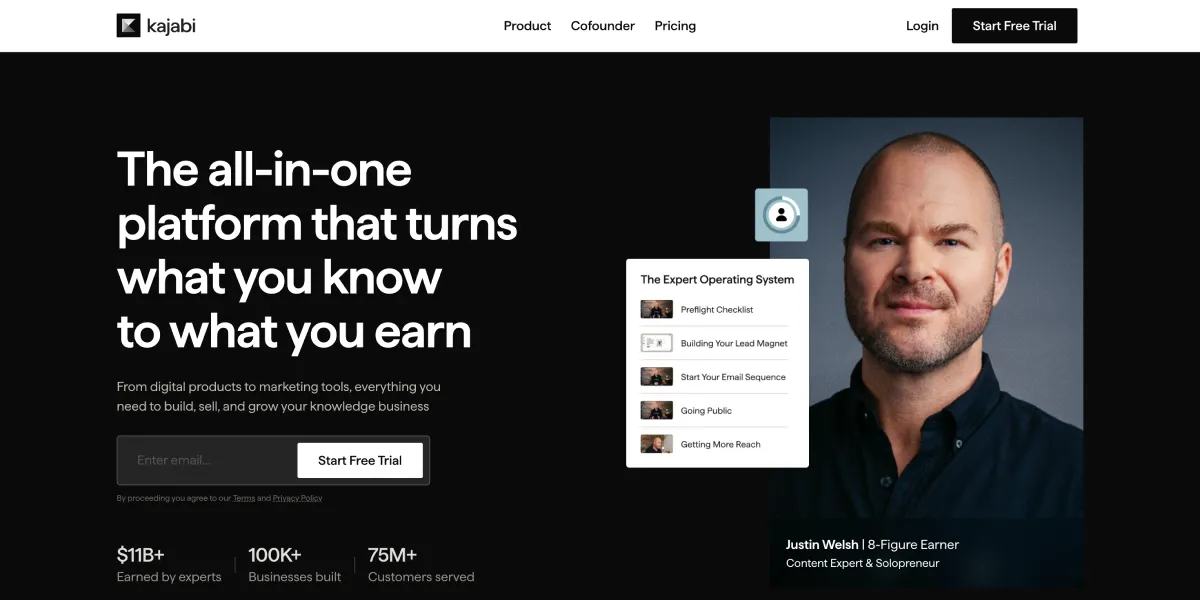
Kajabi is the most feature-complete platform on this list. It combines course hosting, website builder, email marketing, community, pipelines (sales funnels), and membership sites under one roof. If you're running a serious course business and want to cut down on the number of tools you're paying for, Kajabi makes a compelling case.
Pros:
- Everything in one place — no need for separate email, funnel, or membership tools
- Built-in email automation with solid segmentation
- Supports digital products, podcasts, coaching, and communities alongside courses
- No transaction fees on Growth and Pro plans
Cons:
- Expensive entry point — the cheapest plan starts at $55/mo and caps products and contacts
- There's a real learning curve to set everything up properly
- Not the right choice if you just want to sell one course and keep things simple
Pricing: Kickstarter at $55/mo, Growth at $119/mo, Pro at $199/mo (billed annually).
Best for: Established creators and entrepreneurs who want an all-in-one platform and are ready to invest in building a proper course business.
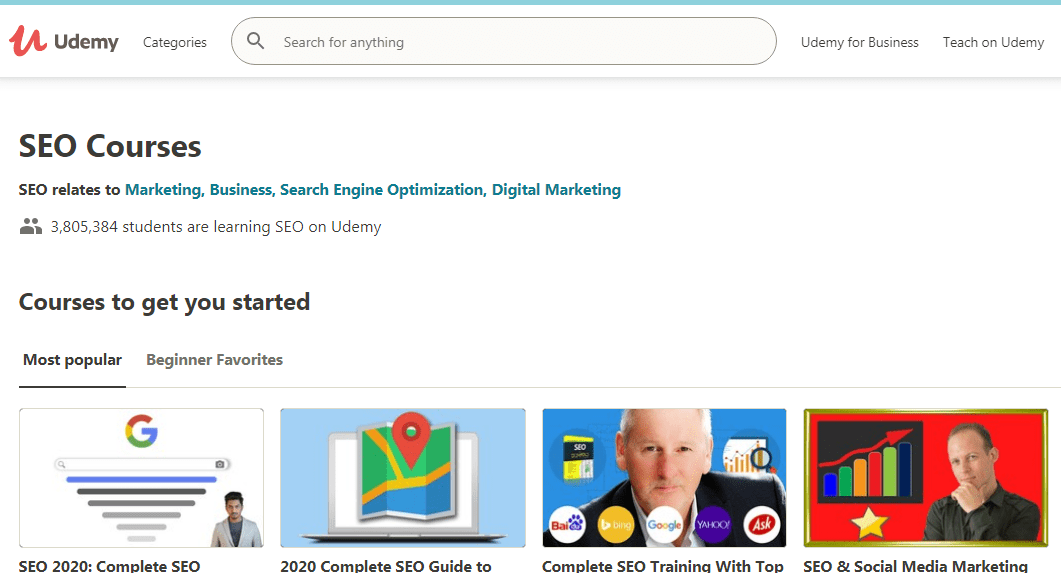
4. Udemy
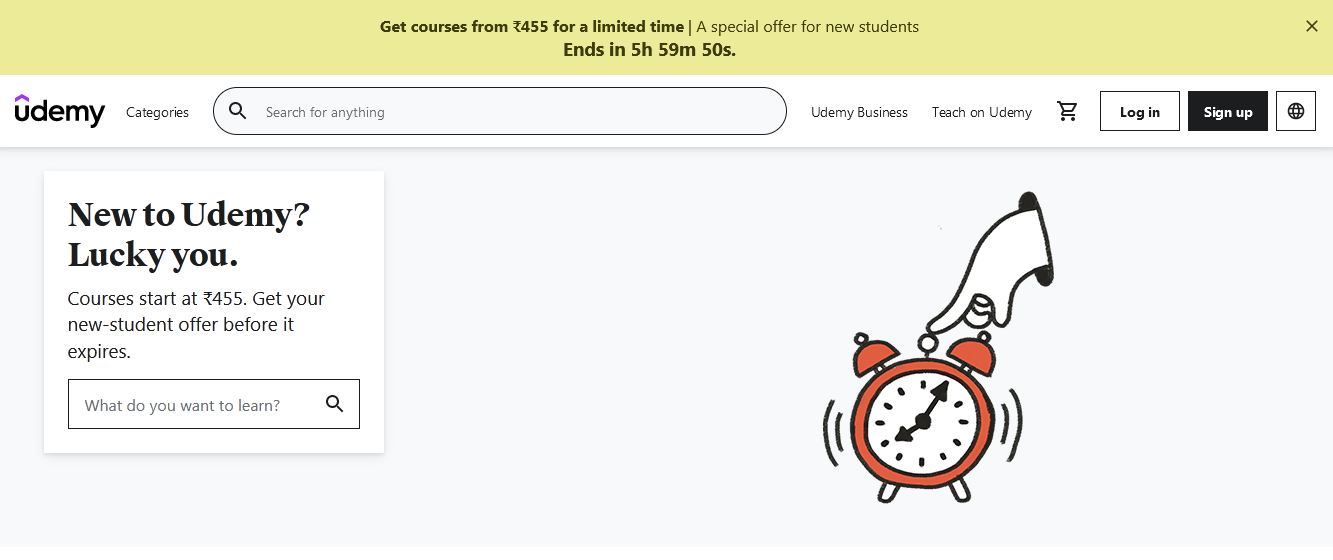
Udemy operates as a marketplace. You upload your course, Udemy handles discovery, and students buy at whatever price Udemy decides to list it at — which is often discounted significantly during their frequent sales. The trade-off is significant marketplace exposure without needing your own audience.
Pros:
- Massive built-in audience of 60+ million students globally
- Free to upload — no monthly fees
- Courses generate passive income once published
- Students get lifetime access, which drives purchase decisions
Cons:
- Udemy controls pricing and runs frequent steep discounts you can't opt out of
- Revenue share is 50% when Udemy drives the sale (you keep 97% if students come via your own referral link)
- Variable course quality means you're competing against a lot of noise
- Limited direct relationship with your students
Pricing: Free to publish. You earn 50% of the sale price when Udemy markets the course, and 97% when students come through your personal coupon link.
Best for: Creators who want marketplace exposure and passive income without building their own audience first, and who are comfortable with Udemy's pricing control.
5. Skillshare
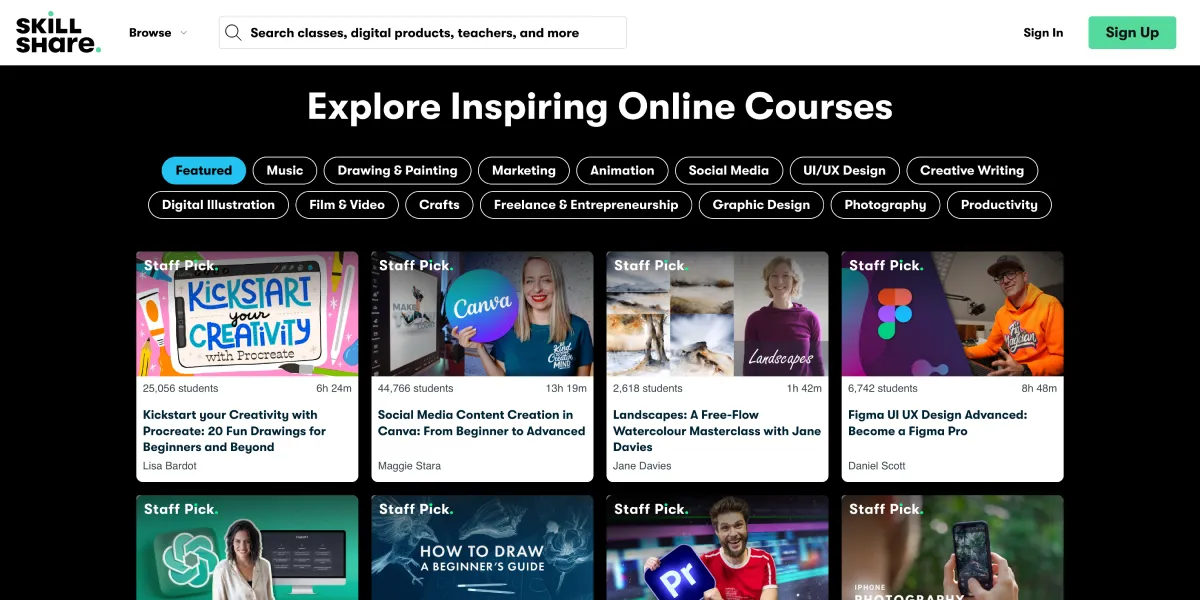
Skillshare runs on a subscription model — students pay $99/year for unlimited access to everything. As a creator, you earn from a royalty pool based on how many minutes of your content students watch. It is not the highest-revenue model per course, but it removes the friction of a purchase decision for students.
Pros:
- No paywall for individual courses — students are already subscribed
- Strong community for creative topics
- Mobile-friendly with offline viewing
- Referral bonuses for bringing in new Premium members
Cons:
- Revenue is tied to watch time, not direct sales — unpredictable income
- Primarily suited for creative subjects (design, illustration, photography, writing)
- No certificates, which limits appeal for professional development courses
- Less suited for technical or academic content
Pricing for creators: Free to upload. You earn a share of the royalty pool based on minutes watched by Premium members.
Best for: Creative instructors who want low-friction access for students and are building content around design, photography, writing, or similar creative disciplines.
6. Demio
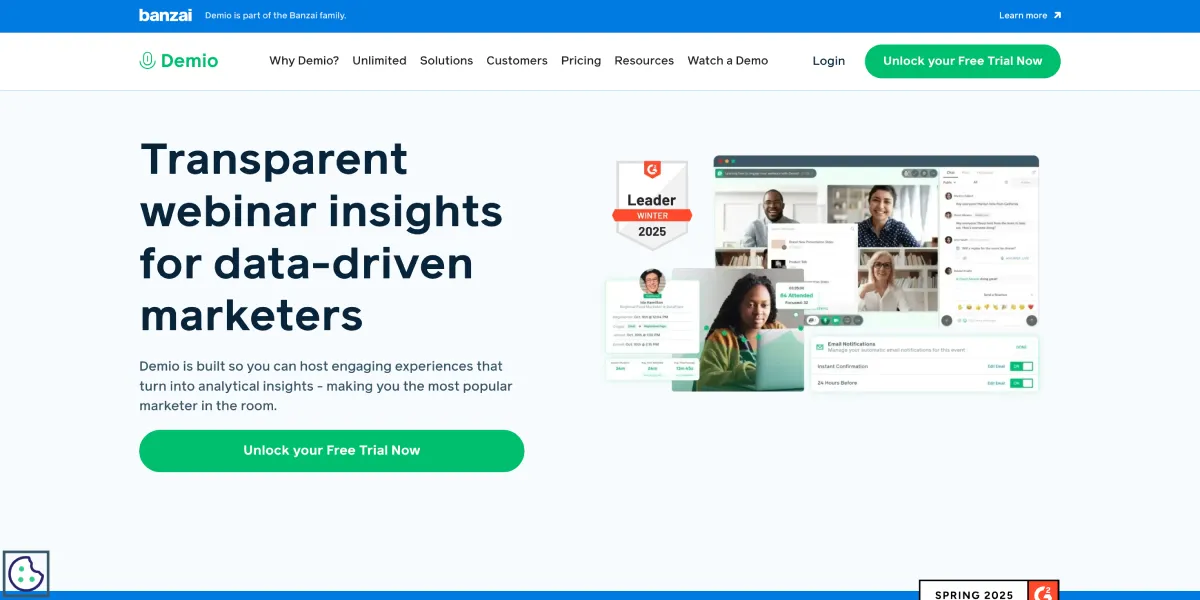
Demio is not a course platform in the traditional sense — it's built for live webinars and virtual events. If your teaching style is interactive and you prefer live sessions with real-time Q&A, polls, and direct audience engagement, it's purpose-built for that format.
Pros:
- Clean, easy-to-use interface for both hosts and attendees
- Real-time polling, Q&A, and handouts during sessions
- Automated webinar replays and session recordings
- Integrations with CRM and email marketing tools
Cons:
- No async course delivery — purely a live/recorded webinar tool
- Higher pricing per attendee compared to Zoom alternatives
- Does not include e-commerce or enrollment features out of the box
- Not the right fit if your content is primarily self-paced
Pricing: From $42/mo for up to 50 attendees (billed annually). Creator plans from $49/mo.
Best for: Teachers and coaches who run live workshops, webinars, or recurring sessions rather than pre-recorded course libraries.
7. Coursera
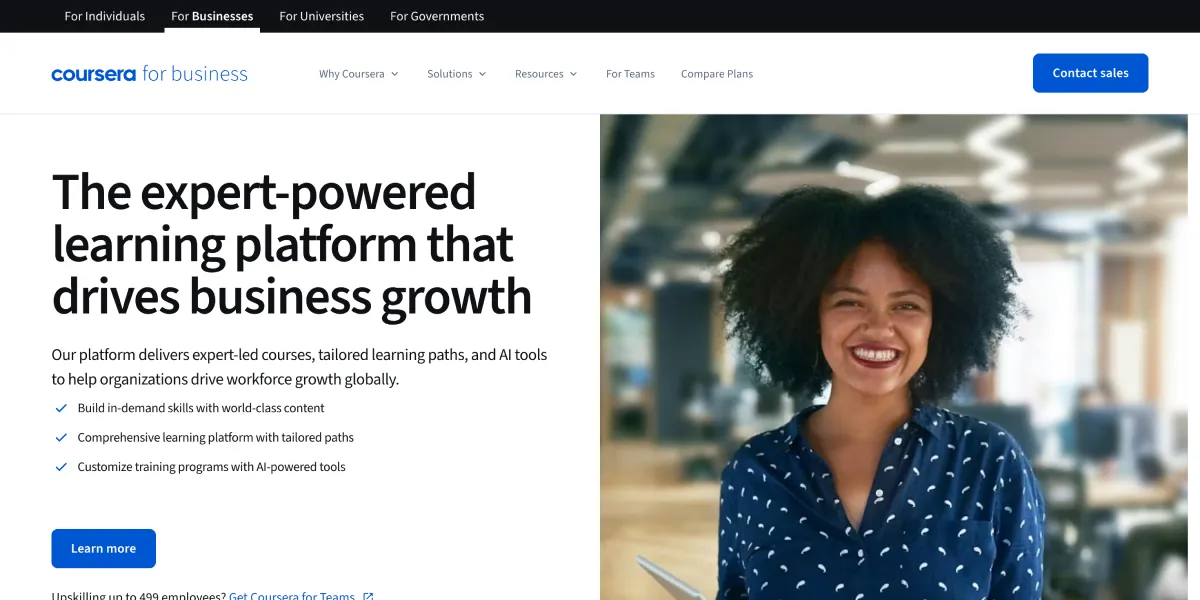
Coursera partners with top universities — Yale, Google, IBM, Duke — to offer structured courses, professional certificates, and even full online degrees. The quality of content is high, and the credentials carry real weight with employers.
Pros:
- Courses from world-class institutions and recognized companies
- Certificates and accredited degrees available
- Financial aid available for qualifying students
- Wide range of subjects including data science, business, tech, and humanities
Cons:
- Individual courses can be expensive; degrees cost thousands of dollars
- Limited direct interaction with instructors
- Course quality varies depending on the partner institution
- Not open to independent creators — you need a partnership agreement with Coursera
Pricing for students: Many courses free to audit; certificates from $49/mo; full degrees cost significantly more.
Creator access: Not available for independent creators. Coursera only works with universities, colleges, and major companies through formal partnerships.
Best for: Students who want university-backed credentials or are pursuing structured professional certifications.
8. MasterClass
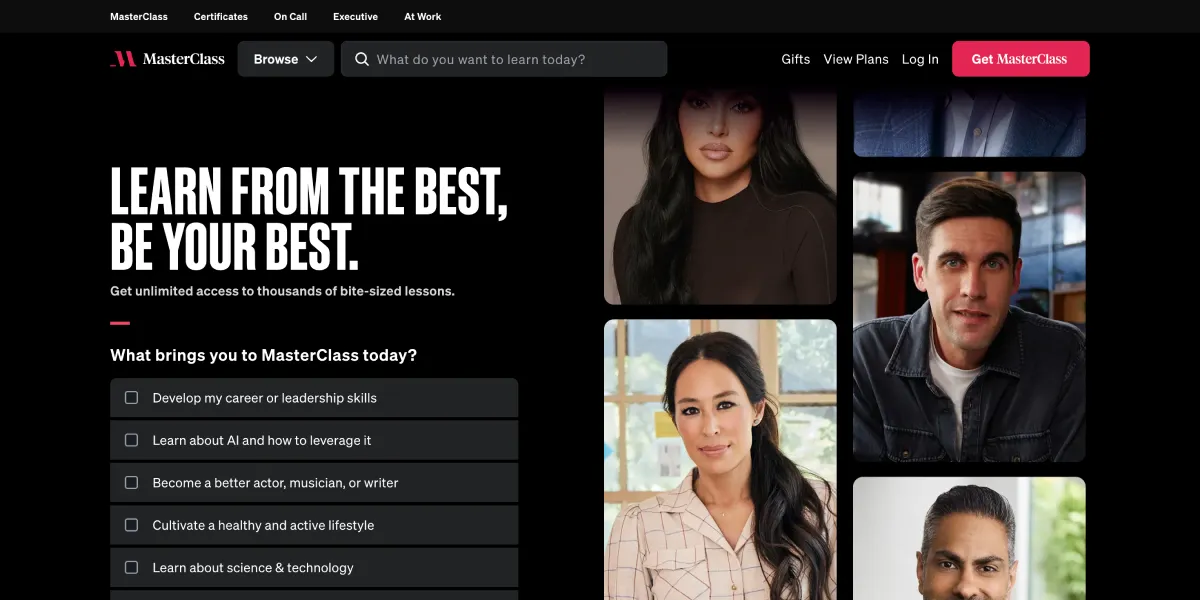
MasterClass is in a category of its own. Every course is produced by MasterClass with top-tier video quality and taught by globally recognized experts — Gordon Ramsay on cooking, Malcolm Gladwell on writing, Serena Williams on tennis. The production value is exceptional.
Pros:
- World-class instructors you won't find anywhere else
- Exceptional video and audio production quality
- Great for inspiration and broad exposure to how experts think
- Subscription covers all courses
Cons:
- Courses are not deep or technical — more inspirational than instructional
- No hands-on assignments, community interaction, or certifications
- $120/year subscription is not cheap for what's essentially a video library
- Individual creators cannot upload — MasterClass produces all content in-house
Pricing for students: $120/year for all-access.
Creator access: Not available. MasterClass does not accept course submissions from independent instructors.
Best for: Students who want to learn from world-famous practitioners, not people looking for skills-based certifications or professional development credits.
How to Choose the Right Platform for Your Needs
Use this quick decision guide to narrow your choice:
You're a student who wants career-relevant credentials → Coursera or Udemy Coursera has the institutional backing; Udemy has a huge range of practical skills courses at very low prices.
You're a creator launching your first course with no audience → Udemy or Teachable Udemy gives you marketplace exposure; Teachable gives you a simple, fast-to-set-up selling environment.
You want zero transaction fees and full control → Thinkific No fees on any plan, including the free tier. Best for creators who want to own their pricing.
You want to consolidate all your tools into one platform → Kajabi Worth the higher cost if you're already paying for email marketing, funnels, and a website separately.
You teach creative skills like design or photography → Skillshare The subscription model removes the purchase decision for students and the audience is already there.
You run live workshops or coaching sessions → Demio Purpose-built for live webinar delivery with real engagement tools.
You want inspiration from world-class experts → MasterClass For students only — there's no creator option.
FAQs
What is the best online learning platform for beginners?
For student beginners, Udemy is hard to beat — courses are affordable, the range is huge, and you get lifetime access. For creator beginners, Teachable offers the fastest path to getting a course live without needing technical knowledge.
Which platform lets you keep the most revenue from course sales?
Thinkific charges zero transaction fees on all plans, including the free tier — so 100% of what you earn stays with you minus payment processing fees (Stripe's standard 2.9% + 30c). Udemy keeps 50% when they drive the sale, which is the worst revenue split on this list.
Can I create an online course for free?
Yes. Both Thinkific and Teachable offer free plans that let you publish and sell courses without paying monthly fees. Udemy and Skillshare are also free to upload to. The trade-off is either limited features or a significant revenue share.
What is the difference between Thinkific and Teachable?
The biggest difference is transaction fees. Thinkific charges none on any plan; Teachable charges 5% on its free plan and nothing on Pro and above. Thinkific's analytics are stronger, while Teachable is generally considered easier for absolute beginners to set up.
Is Udemy good for course creators?
It depends on your goals. Udemy is excellent for passive income and marketplace reach — you don't need an existing audience. But you give up control over pricing, and Udemy can discount your course without your approval. If you want to build a direct relationship with students and control your revenue, Thinkific or Teachable are better options.
Which platform is best for live online teaching?
Demio is purpose-built for live webinars with built-in polls, Q&A, and automation. If you prefer a simpler, lower-cost option, Zoom works fine for one-off sessions. For structured live cohort courses, Teachable and Kajabi both support scheduled content, but Demio is the strongest dedicated tool for live delivery.
Do online learning platforms provide certificates?
It varies. Coursera provides certificates from accredited universities, which carry real weight. Udemy and Teachable both issue completion certificates, though these are not accredited. Skillshare does not offer certificates at all. If credentials matter for your audience's career goals, Coursera is the clear choice.
Which Online Learning Platform Should You Choose?
For most independent course creators, the decision comes down to two things: how much control you want and how much audience-building you're willing to do.
If you're starting from scratch and want marketplace exposure without an existing following, Udemy is the most realistic path to your first sale. If you want to build something long-term with no transaction fees and full control over pricing, Thinkific is the best starting point. Kajabi makes sense only once you're generating real revenue and want to consolidate your tools.
On the student side, Coursera is the gold standard for credentials, Udemy is the best value for practical skills, and MasterClass is worth it if you want high-quality inspiration from the best in the world.
The platform matters less than actually publishing and selling. Pick the one that removes the most friction for your specific situation and start from there.