
AI website builders have crossed a threshold where they are genuinely useful for real projects — not just demo toys. You describe your business, select a style, and the AI generates a complete site: layout, copy, images, and structure. What once took a developer days now takes you thirty minutes.
This guide covers eight AI website builders I've evaluated against real projects — solo business owners, freelancers, small agencies. Each tool is different in its approach, and the right pick depends entirely on what you're building and how much control you want.
What Sets AI Website Builders Apart
Traditional builders give you a blank template and a drag-and-drop editor. You build everything from scratch: layout, copy, images, navigation, and SEO meta. The cognitive load is high.
AI website builders work differently. You answer a few questions — business name, industry, description, target audience — and the AI generates a first draft of the entire site in minutes. Not a template to customize, but a populated site. You then refine rather than build.
The better platforms also handle:
- Copywriting — section text written for your specific industry
- Image sourcing — stock photos selected to match your niche
- SEO structure — headings, meta descriptions, alt tags auto-generated
- Color and typography — brand-consistent palettes chosen by the AI
The gap between these platforms is in how well the AI understands context and how much you can customize afterward.
AI Website Builder Tools at a Glance
| Tool | Starting Price | Best For | AI Quality | Customization |
|---|---|---|---|---|
| Onepage.io | Free–$19.90/mo | Websites & landing pages with lead gen | ★★★★☆ | High |
| Wix AI | $17/mo | All-purpose business sites | ★★★★★ | High |
| 10Web | $10/mo | WordPress users | ★★★★☆ | Very High |
| Framer AI | $5/mo | Designers, agencies | ★★★★☆ | Very High |
| Hostinger Builder | $2.99/mo | Budget, beginners | ★★★★☆ | Medium |
| Durable | $12/mo | Speed, landing pages | ★★★☆☆ | Low–Medium |
| GoDaddy Airo | $9.99/mo | Business launch bundles | ★★★★☆ | Medium |
| Squarespace AI | $16/mo | Portfolio, ecommerce design | ★★★★☆ | Medium–High |
| Jimdo Dolphin | $9/mo | Micro businesses | ★★★☆☆ | Low |
1. Onepage.io
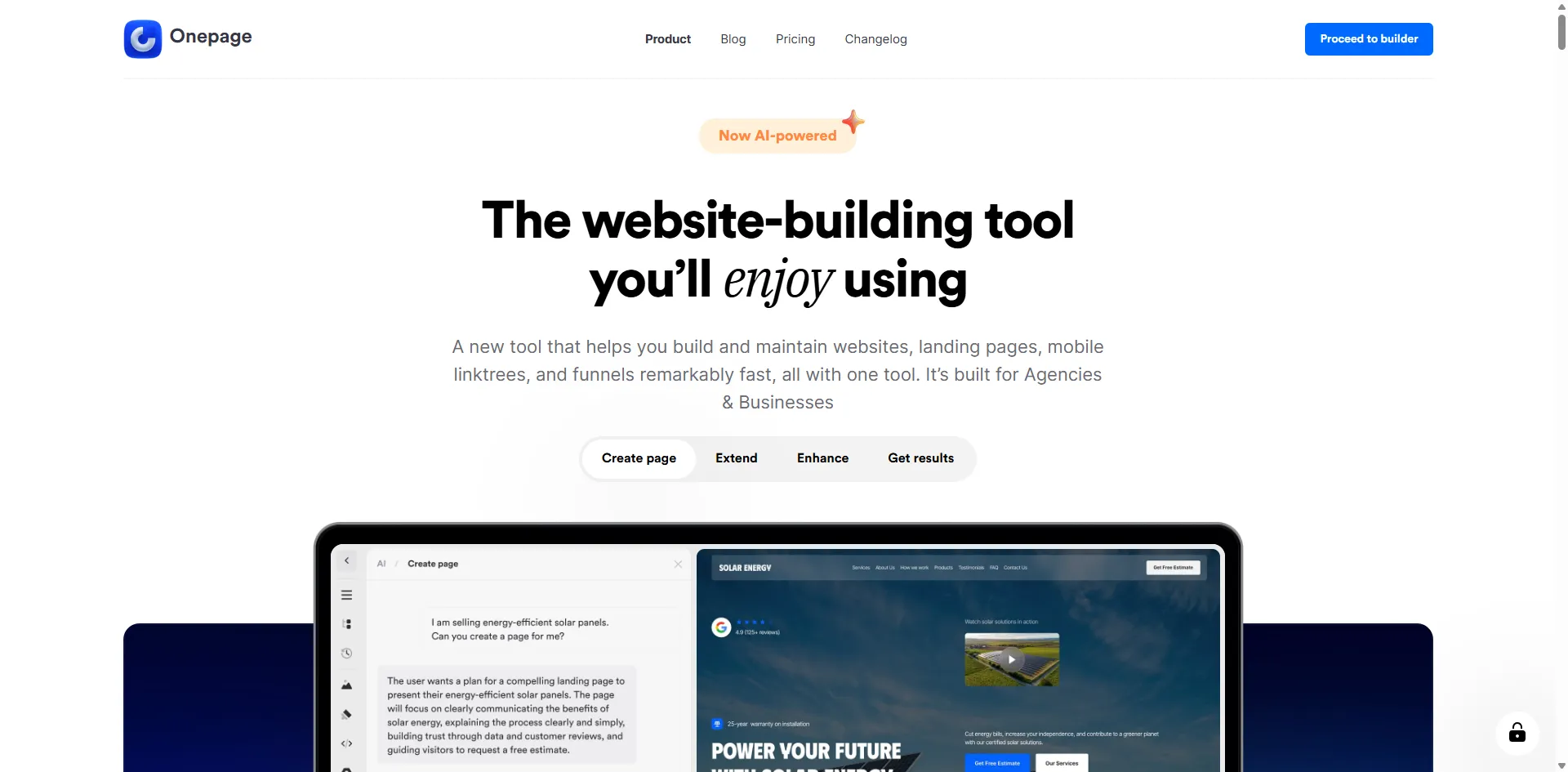
Onepage.io is an AI-powered website and landing page builder built for businesses that want to generate leads, not just publish pages. The platform uses AI credits to generate pages, sections, and code from text prompts — with a visual editor that lets you refine and customize everything before publishing.
What separates Onepage.io from most AI website builders is its integrated lead-generation stack. Website builder, landing pages, CRM, analytics, SEO tools, and multi-step forms all live in one platform. You are not building a site that sits idle — you are building a tool that captures and converts visitors.
The platform has a free plan and paid tiers starting at $19.90/month.
Onepage.io AI and Website Features
- AI page and section generation — generate full pages or individual sections from text prompts
- AI code generation — insert custom HTML/CSS without switching tools
- Visual editor — edit every AI-generated element before publishing
- Landing pages — standalone pages for paid ads, campaigns, and lead capture
- Website builder — multi-page websites with custom domains
- Integrated CRM — manage leads and contacts without leaving the platform
- Forms & Funnels — multi-step forms, quizzes, and conversion funnels (add-on)
- SEO tools — meta tags, OG tags, and analytics built in
- Automation integrations — Zapier and Make support
Onepage.io Plans & Pricing
| Plan | Price |
|---|---|
| Free | $0 |
| Essential | $19.90/mo |
| Standard | Higher |
| Advanced / Expert | Highest |
Who Should Use Onepage.io
Businesses, marketers, and agencies who need AI-assisted website creation paired with lead-generation tools — not just a polished static site. If your goal is to get visitors onto a page and convert them into leads or customers, Onepage.io's combination of AI website building and built-in CRM and funnels makes it the strongest starting point in this category.
2. Wix AI Website Builder
Wix has the deepest AI integration of any major website builder. Their AI Site Generator creates a full site from a short business description, and the AI Design Assistant suggests layout changes, copy improvements, and SEO tweaks as you work. This isn't AI bolted on — it's threaded through the entire product.
What Wix AI Generates
- AI Site Generator — generates complete sites with populated sections, images, and copy based on your description
- AI Text Creator — rewrites or generates page copy in your brand voice
- AI Image Creator — creates custom images without leaving the editor
- Wix ADI — Artificial Design Intelligence suggests site changes based on your goals
- Velo by Wix — for developers who want code-level customization on top of the AI output
- 800+ templates — AI picks the most appropriate starting point for your industry
- Integrated SEO tools — Wix SEO Wiz walks through on-page optimization after site generation
- App Market — extend functionality with 300+ apps (booking, ecommerce, memberships)
Wix AI Plans & Pricing
| Plan | Price | Pages | Storage |
|---|---|---|---|
| Light | $17/mo | Unlimited | 2GB |
| Core | $29/mo | Unlimited | 50GB |
| Business | $36/mo | Unlimited | 100GB |
| Business Elite | $159/mo | Unlimited | Unlimited |
Who Should Use Wix AI
Small business owners, bloggers, coaches, and local service businesses who want a complete site they can manage themselves. Wix's AI is the most capable at generating relevant, industry-specific content — the output requires less cleanup than competitors. The extensive app ecosystem also means you won't outgrow the platform quickly.
3. 10Web AI Website Builder
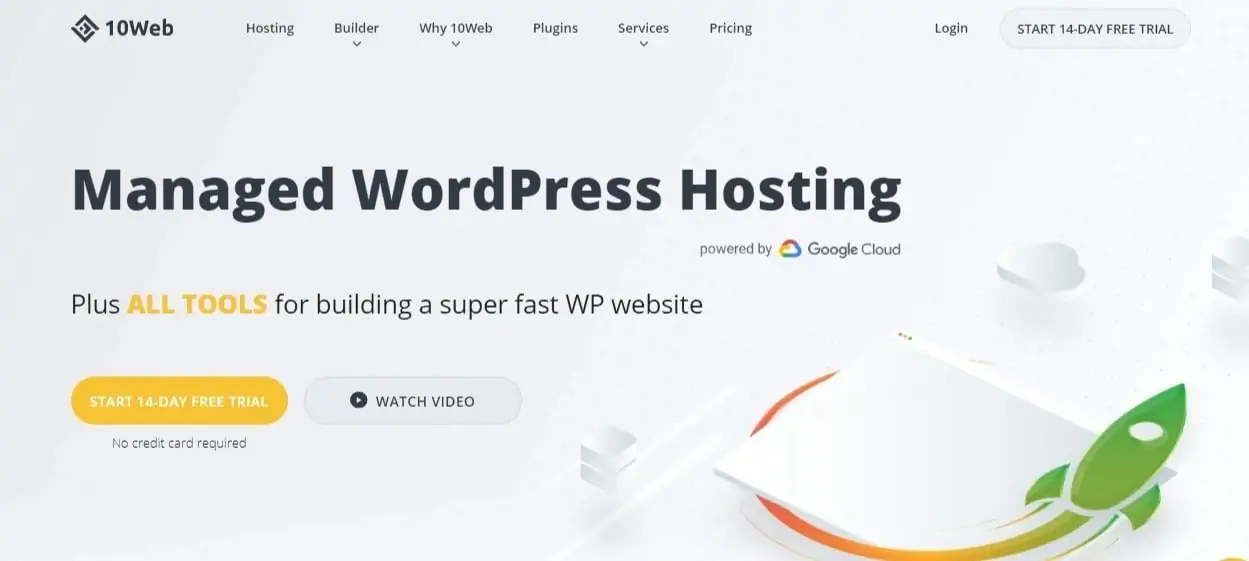
10Web sits at the intersection of AI and WordPress. It generates WordPress sites from a description, powered by Elementor's page builder underneath, and runs them on Google Cloud infrastructure. You get AI-speed setup with full WordPress flexibility — all plugins, themes, and the WooCommerce ecosystem remain available.
10Web AI and WordPress Features
- AI Site Generator — describe your business and get a populated WordPress site in minutes
- AI Pagespeed Booster — automatically optimizes images, defers scripts, and handles Core Web Vitals
- Elementor integration — drag-and-drop editing on every generated page
- WordPress-native — all WP plugins work; no vendor lock-in
- AI Chatbot builder — create support chatbots for your site without code
- Auto-scaling hosting — traffic spikes don't crash your site
- Free SSL + CDN — included on all plans
- One-click migration — move any existing WordPress site to 10Web
10Web Plans & Pricing
| Plan | Price | Sites | Storage |
|---|---|---|---|
| Starter | $10/mo | 1 | 10GB |
| Personal | $25/mo | 3 | 20GB |
| Premium | $45/mo | 10 | 30GB |
| Agency | Custom | Unlimited | Custom |
Who Should Use 10Web
Anyone already invested in WordPress or WooCommerce who wants to add AI-powered site generation to their workflow. For a full breakdown of managed WordPress hosting options that pair well with 10Web, see the managed WordPress hosting guide. It's also the right pick if you need to build multiple client sites quickly — the agency plan and AI generation cut project setup time from days to hours.
4. Framer AI
Framer targets a different audience than the typical website builder: designers and agencies who want pixel-perfect control but still want AI to handle the heavy lifting.
The AI generates complete page layouts from a text prompt, but the output is designed to look like it came from a senior product designer — proper typographic hierarchy, intentional whitespace, and modern visual composition. You then edit everything in Framer's canvas-based editor, which operates more like Figma than a traditional page builder.
Framer AI Design Features
- AI text-to-site — type a description, get a fully designed site in seconds
- AI content generation — rewrite, summarize, or expand any text block in the editor
- CMS — built-in content management for blogs, case studies, and dynamic pages
- Interactions and animations — add scroll-triggered animations, hover effects, and transitions without code
- Component system — build reusable components that update sitewide when changed
- Publish to Framer CDN — no server management; global CDN included
- Custom domains — connect any domain on paid plans
- Custom code — insert HTML, CSS, and JavaScript anywhere
Framer Plans & Pricing
| Plan | Price | Pages | Bandwidth |
|---|---|---|---|
| Free | $0 | 1 | 1K visits/mo |
| Mini | $5/mo | 3 | 10K visits/mo |
| Basic | $15/mo | Unlimited | 150K visits/mo |
| Pro | $25/mo | Unlimited | 500K visits/mo |
Who Should Use Framer AI
Product designers, freelancers, and agencies who value design quality above all else. Framer's output is noticeably more refined than Wix or GoDaddy — the AI understands design principles. Trade-off: the editor has a steeper learning curve and lacks the app ecosystems of Wix or WordPress-based tools.
5. Hostinger Website Builder
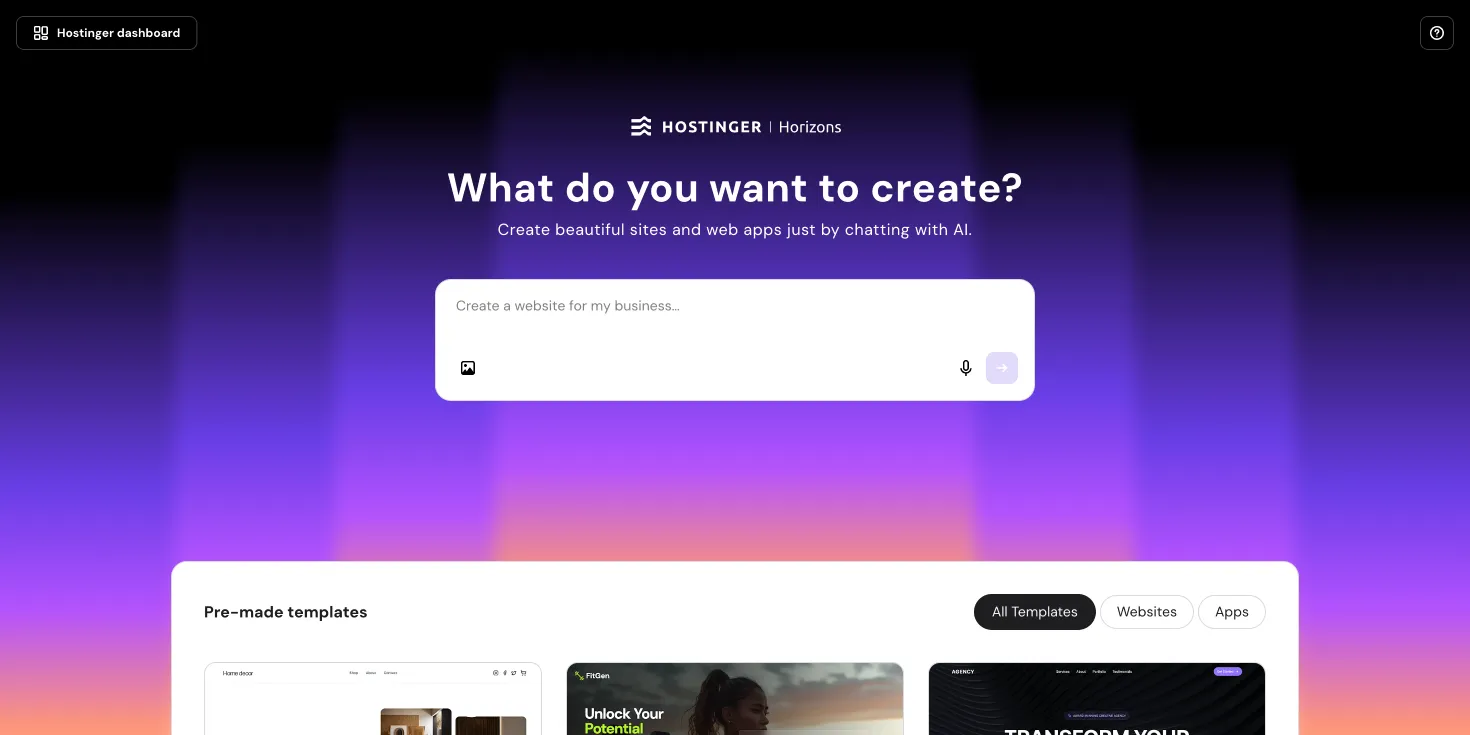
Hostinger's Website Builder bundles an AI site generator into what is already the most affordable hosting stack in the market. The AI generates site structure and copy, then you customize using a simple block editor — no coding, no complexity.
What makes the Hostinger builder compelling isn't the AI itself (it's functional, not exceptional) but the price. You're getting website hosting, a free domain, SSL, a CDN, and an AI-assisted builder for less than $3/month. For personal projects, portfolios, and small business landing pages, that price-to-value ratio is hard to beat.
Read the full Hostinger review for complete hosting performance data.
Hostinger AI Builder Features
- AI site generator — generate a site from business description in under two minutes
- AI content writer — generate page copy, blog posts, and section text on demand
- AI heatmap — shows where visitors click and scroll on your pages
- Free domain name — included with all builder plans
- Free SSL certificate — automatic HTTPS across your site
- Built-in SEO tools — meta tags, Open Graph, and sitemap managed from the editor
- eCommerce — sell up to 500 products on higher-tier plans
- Analytics dashboard — traffic, bounce rate, and conversion data without third-party tools
Hostinger Builder Plans
| Plan | Price | Sites |
|---|---|---|
| Premium | $2.99/mo | 1 |
| Business | $3.99/mo | 100 |
Who Should Use Hostinger Builder
Budget-conscious individuals, bloggers, and small business owners who need a solid online presence without the overhead of WordPress or the premium pricing of Wix. If you're looking for the lowest cost to get a professional site live, this is the category winner.
6. Durable AI Website Builder
Durable's pitch is aggressive: a complete business website in 30 seconds. It largely delivers — the AI generates a site from your business name, type, and location in under a minute. The quality is functional rather than polished, but for getting something live fast, nothing beats it.
The platform also includes AI-generated invoice tools, a CRM, and marketing copy — positioning Durable as a business launch tool rather than just a website builder.
What Durable Generates
- 30-second site generation — fastest in this category, no contest
- Location-aware content — generates copy mentioning your city, region, and service area
- Built-in CRM — track leads and contacts without a third-party tool
- Invoice generator — create and send invoices directly from Durable
- AI marketing copy — generates ad copy, social media posts, and email campaigns
- Instant regeneration — don't like the result? One click and Durable generates a completely new site
- Google Business integration — syncs site with your Google Business Profile
- Analytics included — visitor counts and traffic sources out of the box
Durable Plans & Pricing
| Plan | Price |
|---|---|
| Starter | Free (Durable subdomain only) |
| Business | $12/mo |
| Premium | $20/mo |
Who Should Use Durable
Service businesses, tradespeople, local shops, and anyone who needs a site online within the hour. Durable isn't for teams that care deeply about design control — the customization options are limited. It's for speed and simplicity: a plumber who needs a site by tomorrow, a consultant launching a side project, an event organizer who needs a landing page by the weekend.
7. GoDaddy Airo AI Builder
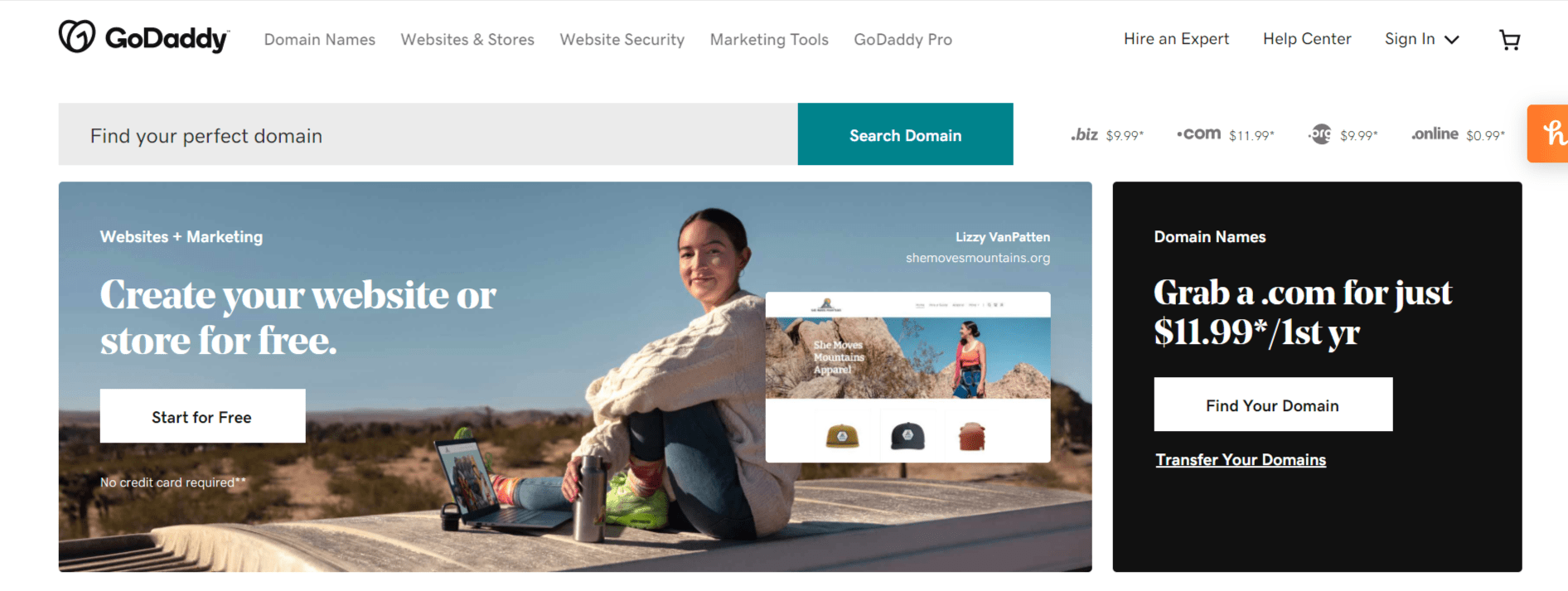
GoDaddy's Airo isn't just an AI website builder — it's an AI-powered business launch platform. You describe your business idea, and Airo generates a site, branding assets, a logo, a domain recommendation, and a marketing plan together. Everything is housed in GoDaddy's infrastructure, so hosting, security, and domain management are all pre-configured.
For first-time business owners who don't know where to start, Airo removes the decision fatigue of choosing separate hosting, domain, and builder services.
GoDaddy Airo Business Launch Features
- AI business launch flow — site + domain + branding generated from a single description
- GoDaddy Studio integration — create social media graphics and brand assets in the same platform
- Inline AI text assistant — rewrite any section copy without leaving the editor
- Built-in eCommerce — accept payments and manage orders on paid plans
- Email marketing — send campaigns to subscribers from within GoDaddy
- AI-generated logo — basic logo created alongside the site (exportable)
- SEO tools — structured data, meta tags, and sitemap managed via a guided workflow
- 24/7 support — GoDaddy's phone support is available globally
GoDaddy Airo Plans
| Plan | Price |
|---|---|
| Free (subdomain only) | $0 |
| Basic | $9.99/mo |
| Premium | $14.99/mo |
| Commerce | $20.99/mo |
Who Should Use GoDaddy Airo
Entrepreneurs and first-time website owners who want everything in one place — domain, hosting, site, and basic marketing tools — without evaluating and integrating separate services. GoDaddy's brand trust and support availability also make it a good pick for business owners who want to call someone when something goes wrong.
8. Squarespace AI
Squarespace has always prioritized design quality, and their AI tools reflect that. The AI Blueprint setup flow generates a site structure based on your answers, with templates chosen for your industry. Their AI text and image generators then fill content gaps as you customize.
Squarespace is also the strongest platform in this list for ecommerce if aesthetics matter — product pages, lookbook layouts, and checkout flows are all more polished than Wix or Hostinger.
Squarespace AI Design Features
- AI Blueprint — guided site generation with industry-specific template recommendations
- Squarespace AI — writes and rewrites copy in your brand voice with a single prompt
- AI image generator — create custom images from text prompts without leaving the editor
- Fluid Engine editor — drag-and-drop layout system with more precision than most builders
- Built-in eCommerce — product management, inventory, and checkout on all plans
- Member Areas — gated content for courses, communities, and paid newsletters
- Scheduling — built-in booking tool (Acuity integration) for service businesses
- Analytics — revenue tracking, traffic sources, and abandoned cart recovery
Squarespace Plans & Pricing
| Plan | Price |
|---|---|
| Personal | $16/mo |
| Business | $23/mo |
| Commerce Basic | $28/mo |
| Commerce Advanced | $52/mo |
Who Should Use Squarespace AI
Photographers, artists, boutique brands, and ecommerce store owners who need a site that looks high-end without hiring a designer. Squarespace's templates are genuinely beautiful and the AI respects that design language — generated content doesn't clash with the template's visual identity.
9. Jimdo Dolphin
Jimdo's Dolphin AI builder is one of the oldest in the category — it has been generating sites from simple business questionnaires since 2017. The AI is less capable than Wix or Framer, but the resulting site is clean, fast, and functional for micro-businesses that need a simple web presence.
Jimdo Dolphin Core Features
- AI questionnaire-based setup — 5-minute setup for a complete site
- Fast, lightweight output — Jimdo sites load quickly; minimal code bloat
- GDPR compliance tools — cookie consent and data management built in (important for EU businesses)
- Online store — sell products without third-party apps on Business plans
- Free plan available — Jimdo subdomain with ads; no credit card required
- Mobile-first design — all generated sites are fully responsive
Jimdo Plans & Pricing
| Plan | Price |
|---|---|
| Free | $0 |
| Start | $9/mo |
| Grow | $15/mo |
| Business | $19/mo |
Who Should Use Jimdo Dolphin
Freelancers, local tradespeople, and micro-businesses in Europe who need a lightweight, GDPR-compliant site on a minimal budget. Jimdo doesn't scale well beyond a small business site — if you need a blog, a complex store, or extensive customization, start with Wix or Squarespace instead.
How to Choose the Right AI Website Builder
If you need websites, landing pages, and lead generation in one tool
Onepage.io — AI-assisted website creation with built-in CRM, forms, and funnel functionality. Free plan available.
If you care most about design quality
Go with Framer AI or Squarespace AI. Both produce visually refined output that competes with custom-designed sites.
If you're on a tight budget
Hostinger Website Builder at $2.99/month is the clear winner — it includes hosting, domain, SSL, and AI generation for less than most builders charge for the builder alone.
If you need WordPress flexibility
10Web is the only AI builder in this list that generates true WordPress sites. All plugins, themes, and the WooCommerce ecosystem work normally.
If you need to go live fast
Durable generates a complete, published business site in under a minute. Nothing else in this category comes close for raw speed.
If you're launching a full business (not just a site)
GoDaddy Airo handles domain, site, branding, and basic marketing in one flow. Wix is also strong here for its app ecosystem.
FAQs
Can AI website builders replace professional web designers?
For standard business sites — service pages, portfolios, small ecommerce stores — AI builders now produce results that are indistinguishable from hired designers at the mid-tier. For complex applications, custom functionality, or high-end brand identity work, a designer still adds value. The line is moving, but it hasn't disappeared.
Do AI website builders work for SEO?
Most modern AI builders generate clean code, structured headings, and on-page meta — the technical SEO basics are handled. Where they fall short is content depth and topical authority. AI-generated copy is thin by default. You'll need to expand and customize the content before it competes in search.
Can I switch AI website builders later?
Switching platforms means rebuilding your site. Content can be exported (sometimes), but layouts, components, and integrations rarely transfer between platforms. Choose carefully upfront — particularly if you're integrating ecommerce or membership tools.
Which AI website builder is best for ecommerce?
Squarespace for design-sensitive stores. Wix for feature depth and app integrations. 10Web with WooCommerce for full inventory control and payment gateway options. Hostinger if you need the lowest transaction fees on a tight budget.
Are AI-generated websites mobile-friendly?
Yes — every builder in this list generates fully responsive sites. All layouts adapt to mobile screen widths automatically. You can preview the mobile view inside each editor before publishing.
Is there a free AI website builder?
Jimdo, Durable, and Framer all offer free plans — but they publish your site on a subdomain (yourname.jimdo.com), not a custom domain. For a custom domain, you need a paid plan on any platform.
Are AI Website Builders Worth It in 2026?
Yes — for the majority of small business owners, freelancers, and content creators, AI website builders have crossed the quality threshold where the output is production-ready. The gap between an AI-generated site and a custom-designed site has narrowed to the point where the time and cost difference rarely justifies hiring a developer for a standard business website.
The key is matching the tool to your actual needs. If you need WordPress, use 10Web. If design quality is non-negotiable, use Framer or Squarespace. If budget is the constraint, Hostinger Builder at $2.99/month is the most efficient option in the market right now.
Start with a free trial or free plan on your first-choice platform. Most of these tools let you generate a complete site before you commit to paying — there's no reason not to see the output firsthand.