
You can publish the best content on the internet and still lose organic traffic — and never know why. Rankings shift for dozens of reasons: algorithm updates, new SERP features, competitor activity, or AI Overviews stealing clicks before users even scroll to your link. Without SERP tracking tools, you are flying blind.
SERP tracking tools monitor where your pages rank for specific keywords across search engines, devices, and locations. They show you whether your SEO work is moving the needle, flag ranking drops before they turn into traffic drops, and reveal exactly which competitors are eating into your visibility.
This guide covers the best SERP tracking tools in 2026 — from enterprise-grade platforms to budget-friendly options and free tools that every site owner should be using. Whether you are managing one website or dozens of client campaigns, there is a rank tracker on this list that fits your workflow.
Each tool on this list was evaluated by testing it across multiple sites in different niches, cross-checking reported positions against manual searches in incognito mode, and assessing how practical the interface is for day-to-day SEO workflows. Accuracy, update speed, local tracking depth, and value at different price points all factor into the rankings.
What to Look for in a SERP Tracking Tool
Before spending money on a rank tracker, know what actually matters. Not every tool is built for the same job.
- Data accuracy: Rankings that do not match real SERPs are worse than useless — they point you in the wrong direction. Look for tools with a track record of accuracy across locations and devices.
- Update frequency: Daily updates are the standard. Some tools offer on-demand refreshes or even near-real-time tracking. If you run campaigns that move fast, this matters.
- Local and multi-location tracking: If your business or clients have local SEO needs, you need city-level or ZIP-level tracking, not just country-level.
- SERP feature tracking: Modern SERPs include featured snippets, AI Overviews, People Also Ask boxes, local packs, and video carousels. A rank tracker that only shows blue-link positions is missing half the story.
- Competitor tracking: Knowing your own rankings is one thing. Seeing which competitors are gaining or losing ground in parallel is what drives smart SEO decisions.
- Reporting and integrations: If you report to clients or stakeholders, white-label PDF reports and Looker Studio integration save hours every week.
- Pricing structure: Most tools charge by keyword volume. Make sure the pricing scales predictably as your needs grow.
Best SERP Tracking Tools 2026
1. SEMrush Position Tracking
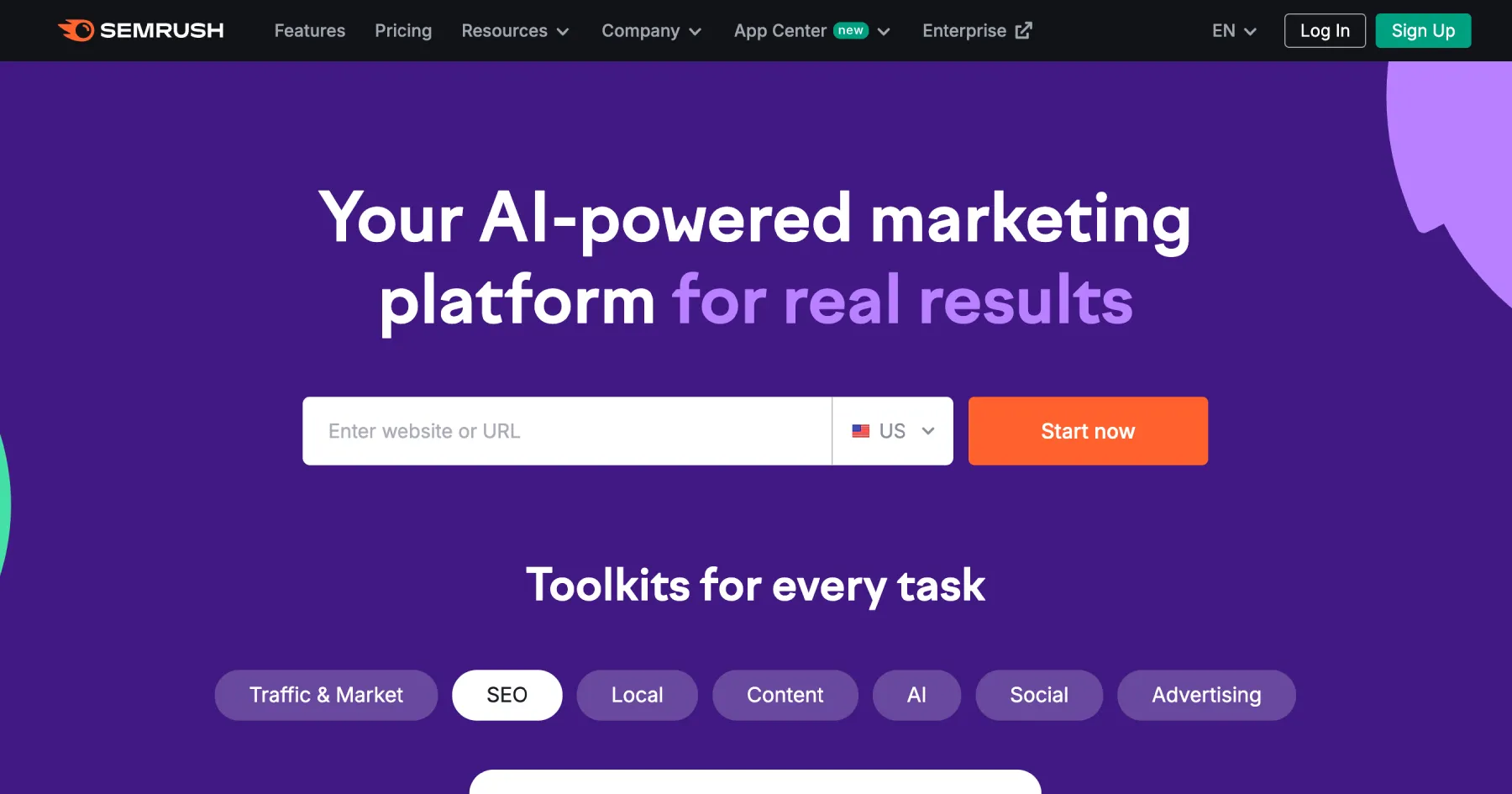
SEMrush's Position Tracking module is one of the most complete rank trackers available. It is part of the broader SEMrush platform, which means your rank data sits alongside keyword research, backlink analysis, and site audit data in the same workspace. For teams that want a single platform for all SEO work, this is a major advantage.
Position Tracking monitors daily ranking changes across Google, Bing, and now ChatGPT search results. You can segment by device, location, language, and SERP feature. The Visibility Index and Share of Voice metrics give you a weighted view of how much of the available search traffic you are capturing — which tells a more honest story than raw positions alone.
When a client's rankings look stable but traffic is falling, SEMrush Position Tracking usually reveals the culprit: a featured snippet or AI Overview that now answers the query without sending users anywhere.
Key Features:
- Daily ranking updates across Google, Bing, and AI tools
- SERP feature tracking (featured snippets, AI Overviews, local packs)
- Multi-location and multi-device segmentation
- Visibility Index and Share of Voice metrics
- Competitor tracking with side-by-side comparisons
- Custom alerts for ranking changes
- Looker Studio integration for automated client reporting
- ChatGPT search visibility monitoring
Pricing:
- Pro: $139.95/month (500 keywords tracked)
- Guru: $249.95/month (1,500 keywords tracked)
- Business: $499.95/month (5,000 keywords tracked)
- Annual billing saves approximately 17%
- 7-day free trial available
Pros:
- The most complete view of SERP visibility in one platform
- Excellent SERP feature and AI search tracking
- Strong reporting and Looker Studio integration
Cons:
- Expensive if you only need rank tracking
- Can feel heavy for simple use cases
Best For: In-house SEO teams and agencies that want all their SEO data in one place. If you are already using SEMrush for keyword or competitor research, the rank tracking is a natural extension. See how it stacks up against SimilarWeb in our SEMrush vs SimilarWeb comparison.
2. Ahrefs Rank Tracker
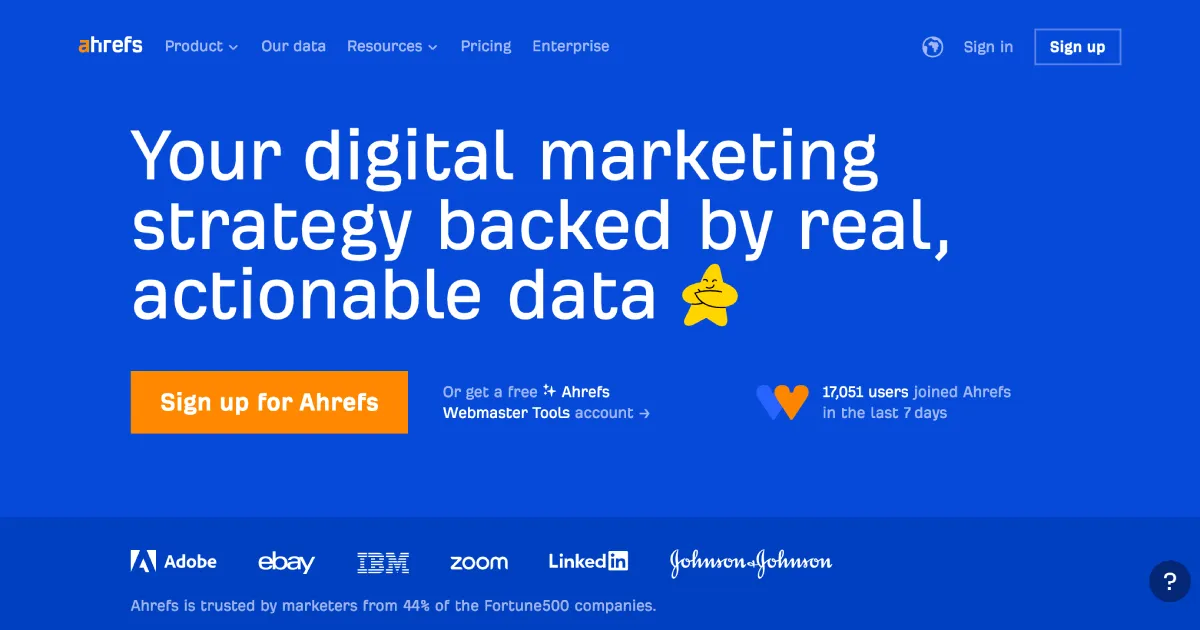
Ahrefs has earned a reputation for data accuracy, and its Rank Tracker lives up to that. It draws on one of the largest keyword databases online — over 110 billion keywords across 200+ countries — which gives you a more complete picture of visibility than most tools can offer.
The Rank Tracker shows position history, SERP snapshots, competitor comparisons, and traffic estimates. Ahrefs also added Brand Radar, which tracks how your site appears inside ChatGPT, Gemini, and Microsoft Copilot. For any site worried about AI search eroding organic visibility, this is directly useful.
Note on Ahrefs pricing: Ahrefs uses a credits-based model alongside seat-based plans. Each plan includes a monthly credit allowance used for data exports, crawls, and certain lookups. Credits refresh monthly and do not carry over. Rank tracking itself does not consume credits — credits are used for keyword research, audits, and data exports within the platform.
If you are evaluating alternatives to Ahrefs, check out our Ahrefs alternatives guide.
Key Features:
- Keyword tracking across 200+ countries
- SERP snapshots showing the full search result page at any point in time
- Competitor ranking comparison
- AI visibility tracking (ChatGPT, Gemini, Copilot) via Brand Radar
- Google Search Console and Looker Studio integration
- Mobile vs. desktop ranking splits
Pricing:
- Lite: $129/month (750 tracked keywords)
- Standard: $249/month (2,000 tracked keywords)
- Advanced: $449/month (5,000 tracked keywords)
- Enterprise: $999/month (10,000 keywords)
- Annual billing available at a discount; no free trial — 7-day trial for $7 on Lite/Standard
Pros:
- Highly accurate keyword data and rank tracking
- Excellent SERP snapshot feature for diagnosing historical changes
- AI search visibility via Brand Radar
Cons:
- No standalone rank tracking plan — full platform subscription required
- Expensive for small teams or solopreneurs
Best For: Agencies and SEO professionals who already use Ahrefs for backlink and keyword research. The rank tracking integrates seamlessly with the rest of the suite.
3. SERPWatcher by Mangools
SERPWatcher is the rank tracker that comes bundled with the Mangools suite (which also includes KWFinder, SERPChecker, and LinkMiner). It is deliberately simple, which is its main appeal. You get clean daily tracking, a proprietary Performance Index metric, and solid reporting — without the bloat of an enterprise platform.
The Performance Index (PI) combines keyword rankings and search volume into a single score that reflects the overall health of your SEO visibility. Instead of scanning a spreadsheet of 200 keyword positions, you get a single number that goes up or down. For non-technical clients or solo site owners, this makes reporting far simpler.
Key Features:
- Daily ranking updates on desktop and mobile
- Performance Index (PI) — weighted visibility score
- Local tracking down to city level
- Google Maps pack tracking
- Custom ranking alerts
- Shareable interactive reports
Pricing:
- Mangools Basic: $29.90/month (200 keywords)
- Premium: $44.90/month (700 keywords)
- Agency: $89.90/month (1,500 keywords)
- 48-hour money-back guarantee
Prices shown are annual billing rates. Monthly billing is $49/$69/$129.
Pros:
- Very clean interface — easy for beginners and clients
- Performance Index simplifies reporting
- Good value compared to enterprise tools
Cons:
- Limited advanced features (no Share of Voice, limited SERP feature tracking)
- Must subscribe to full Mangools suite
Best For: Bloggers, freelancers, and small agencies that want reliable daily tracking without a steep learning curve.
4. AccuRanker
AccuRanker is the rank tracker teams reach for when speed and precision are non-negotiable. It is one of the fastest rank trackers on the market — standard updates run daily, but you can trigger an on-demand refresh at any time. For agencies running fast-moving campaigns or monitoring site migrations, this matters.
The platform tracks rankings at desktop and mobile, at the country or city level, and includes pixel-level tracking to show whether your result appears above or below the fold. AccuRanker also integrates with Google Search Console, GA4, and Looker Studio, making it a strong choice for enterprise teams that need clean data pipelines.
Key Features:
- Daily updates with on-demand instant refresh
- City-level and country-level tracking
- Pixel-level position tracking (above/below fold)
- AI Share of Voice and AI CTR metrics
- Rule-based keyword tagging and filtering
- GSC, GA4, and Looker Studio integrations
- White-label reporting
- API access for programmatic rank data
Pricing:
- Starts at $224/month for 2,000 keywords
- Scales based on keyword volume (up to 1M+ keywords)
- Annual discounts available
- 14-day free trial available
Pros:
- Fastest rank tracker on the market
- Excellent data precision and filtering options
- Strong enterprise-grade reporting
Cons:
- Pricing is high for smaller teams
- No built-in keyword research or backlink data — purely a rank tracker
Best For: Agencies and enterprise SEO teams running large-scale campaigns who need real-time data and precise filtering.
5. Rank Math (Free WordPress Plugin)
Rank Math is primarily an on-page SEO plugin for WordPress, but it includes a built-in rank tracking feature that pulls data from Google Search Console. For WordPress site owners who want a free, integrated way to monitor keyword performance without leaving their dashboard, it covers the essentials.
The rank tracker inside Rank Math shows your top keywords, position history, impressions, clicks, and CTR — all surfaced from GSC data. It is not as precise as a dedicated rank tracker, but for sites in the early stages of SEO growth, it removes the need for a separate paid tool entirely. One practical advantage that gets overlooked: Rank Math surfaces your GSC keyword data at the individual post level, so you can see exactly which queries are driving impressions to a specific page without filtering in GSC manually. Pair it with direct Google Search Console access for the most accurate baseline.
Key Features:
- Built into the WordPress admin dashboard
- Pulls ranking data from Google Search Console
- Tracks keyword positions, impressions, and CTR
- Focus keyword tracking per post
- 404 monitoring and redirection manager
- Schema markup support
Pricing:
- Free plan available
- Pro: $99/year (single site)
- Business: $199/year (up to 5 sites)
- Agency: $499/year (up to 500 sites)
Pros:
- Free to start — no separate tool subscription
- Deeply integrated into WordPress workflow
- Handles on-page SEO, schema, and rank tracking in one plugin
Cons:
- Rank tracking accuracy tied to GSC (no independent data crawling)
- Not suitable for tracking large keyword sets
- No multi-site tracking on free plan
Best For: WordPress site owners who want a free, zero-setup rank tracking baseline alongside their on-page SEO workflow.
6. SE Ranking
SE Ranking occupies a sweet spot in the market: it offers depth comparable to SEMrush at a significantly lower price. Agencies managing multiple clients get full-featured rank tracking with SERP feature monitoring, keyword grouping, Share of Voice analysis, and AI Overview visibility — without paying enterprise rates.
The rank tracking module supports Google, Bing, Yahoo, and YouTube. You can track up to 50 SERP positions per keyword, see historical data, and monitor 37+ SERP features. SE Ranking also includes traffic forecasting, which estimates how ranking changes translate into sessions — useful when making the case for SEO investment.
Key Features:
- Daily or on-demand ranking updates
- 37+ SERP feature tracking including AI Overviews
- Multi-search-engine support (Google, Bing, Yahoo, YouTube)
- Share of Voice metric across tracked keywords
- Traffic forecasting from ranking changes
- Keyword grouping for campaign organization
- White-label reporting for agencies
- API access for programmatic rank data
Pricing:
- Essential: $52/month (500 keywords; annual billing)
- Pro: $95/month (1,000 keywords; annual billing)
- Business: $207/month (2,500 keywords; annual billing)
- Annual billing saves 20% across all plans
- 14-day free trial available
Prices shown are annual billing rates. Monthly billing is $65/$119/$259.
Pros:
- Best price-to-features ratio for agencies
- Excellent SERP feature tracking
- Share of Voice and traffic forecasting add real strategic value
Cons:
- Interface can feel cluttered when managing many projects
- Some advanced features locked to higher plans
Best For: SEO agencies that want comprehensive rank tracking, SERP feature monitoring, and client reporting without the cost of SEMrush or Ahrefs.
7. ProRankTracker
ProRankTracker is purpose-built for local SEO tracking at scale. Where most rank trackers offer country or city-level targeting, ProRankTracker goes deeper — down to the ZIP code or neighborhood level. For agencies managing local clients across multiple locations, this precision is hard to find elsewhere.
The platform supports Google, Bing, Google Maps, and Google My Business tracking across mobile and desktop. White-label reporting and multi-client dashboards make it practical for agencies managing dozens of clients simultaneously.
Key Features:
- ZIP-code-level local rank tracking
- Google Maps and Google My Business tracking
- Multi-engine support (Google, Bing, Yahoo)
- Mobile and desktop ranking splits
- White-label reports for client delivery
- Multi-client dashboard with sub-accounts
Pricing:
- Starter: $13.50/month (100 tracked terms; monthly billing)
- Standard: $89/month (1,000 tracked terms)
- Professional: $180/month (2,500 tracked terms)
- Agency plans available with custom pricing
- Annual billing discounts available; free trial on request
Pros:
- Most granular local tracking on the market
- Affordable at lower keyword volumes
- White-label setup is clean and professional
Cons:
- Interface feels dated compared to newer tools
- Less useful for national or international SEO
Best For: Local SEO agencies managing multi-location clients who need granular, city or ZIP-level rank data.
8. Google Search Console
Google Search Console is not a SERP tracking tool in the traditional sense — it does not crawl SERPs or estimate competitor positions. What it gives you is something more valuable: first-party data directly from Google about how your site performs in search.
GSC shows your average position, impressions, clicks, and CTR for every query your site appears for. It splits by page, device, country, and search type. No third-party tool is going to give you more accurate data about how Google sees your site. Every SEO workflow should start here, even if you use a dedicated tracker alongside it.
Key Features:
- First-party click and impression data from Google
- Average position tracking per keyword and per page
- CTR data at the query level
- Device, country, and search type segmentation
- Coverage report showing index status
- Core Web Vitals reporting
- Manual actions and security issue alerts
Pricing: Free
Pros:
- Most accurate position data available (comes directly from Google)
- Free with no keyword limits
- Shows impressions even when you do not rank in the top 10
Cons:
- No competitor data
- Limited historical data (16 months maximum)
- No SERP feature tracking or local pack visibility
Best For: Every site owner as a baseline. GSC should be the first tool you check before drawing conclusions from any third-party rank tracker.
9. Nightwatch
Nightwatch started as a local SEO rank tracker and expanded into a full tracking suite. It is rated as one of the most accurate rank trackers available, consistently achieving G2 scores above 4.9/5 from users who cite data precision as the primary reason they stay.
Nightwatch tracks Google, Bing, and YouTube rankings globally and locally. It now includes LLM visibility tracking for AI search engines, automated reporting, website SEO audits, and built-in keyword research. The reporting dashboards are among the cleanest in the category — well-suited for agency use.
Key Features:
- Highly accurate daily rank tracking
- Local tracking across multiple locations and countries
- Google, Bing, and YouTube tracking
- LLM and AI search visibility tracking
- Automated white-label client reports
- Website SEO audit module
- Keyword research built-in
Pricing:
- Starter: $32/month (250 keywords)
- Optimizer: $79/month (1,000 keywords)
- Agency: $295/month (5,000 keywords)
- Annual billing available at a discount
- 14-day free trial
Pros:
- Consistently rated as the most accurate rank tracker by users
- Excellent visual dashboards and reporting
- LLM tracking for AI search visibility
Cons:
- Slight learning curve for new users
- Gets expensive at high keyword volumes
- Fewer native integrations and a smaller support team than enterprise platforms
Best For: Agencies and advanced SEOs who prioritize tracking accuracy and want clean, client-ready visual reports.
10. Wincher
Wincher is one of the most beginner-friendly rank trackers available. It focuses on doing one thing well: tracking keyword rankings in 180+ countries with clean daily updates. The interface is stripped-down by design — you set up a project, add keywords, and get ranking data the next day.
Wincher also integrates directly with WordPress, Wix, Shopify, and other CMS platforms, which makes setup fast for non-technical users. It includes competitor tracking, landing page assignment, and basic reporting. One thing practitioners notice quickly: Wincher's on-page keyword suggestions tie each tracked term back to the specific landing page it should target, which keeps your content strategy and rank tracking in sync without needing a separate spreadsheet. For freelancers or small businesses that do not need enterprise-level features, Wincher delivers solid value.
Key Features:
- Daily keyword ranking updates
- 180+ country coverage
- Landing page assignment per keyword
- Competitor tracking (up to 10 competitors)
- CMS integrations (WordPress, Wix, Shopify)
- Scheduled email reports
- Share of Voice metric
Pricing:
- Starter: $24/month (500 keywords)
- Business: $80/month (4,000 keywords)
- Enterprise: $310/month (50,000 keywords)
- Annual billing available; 14-day free trial
Pros:
- Very easy to set up and use
- Generous keyword limits even on lower tiers
- CMS integrations are convenient
Cons:
- Limited SERP feature tracking
- No AI search visibility
- Not suitable for large-scale agency use
Best For: Freelancers, small businesses, and bloggers who want a simple, affordable rank tracker without the complexity of enterprise platforms.
SERP Tracking Tools Comparison Table
| Tool | Starting Price | Update Frequency | Local Tracking | SERP Features | Best For |
|---|---|---|---|---|---|
| SEMrush Position Tracking | $139.95/month | Daily | Country/City | Yes (37+ incl. AI) | All-in-one SEO teams |
| Ahrefs Rank Tracker | $129/month | Daily | Country/City | Yes | Accuracy + AI visibility |
| SERPWatcher (Mangools) | $29.90/month* | Daily | City level | Limited | Bloggers + SMBs |
| AccuRanker | $224/month | Daily + on-demand | Country/City | Yes | Enterprise speed |
| Rank Math | Free | GSC-synced | Country | No | WordPress sites |
| SE Ranking | $52/month* | Daily | Country/City | Yes (37+) | Agencies (best value) |
| ProRankTracker | $49/month | Daily | ZIP-level | Limited | Local SEO agencies |
| Google Search Console | Free | Daily | Country/Device | No | Every site (baseline) |
| Nightwatch | $32/month | Daily | Multi-location | Limited | Accuracy + reporting |
| Wincher | $24/month | Daily | Country | No | Beginners + freelancers |
*Annual billing
How to Pick a Rank Tracker That Fits Your Workflow
With ten solid options above, the decision comes down to three questions:
1. What is your keyword volume?
If you are tracking fewer than 500 keywords, Wincher or SERPWatcher give you clean daily data at a fraction of the cost of SEMrush or Ahrefs. If you are managing thousands of keywords across multiple clients, SE Ranking or AccuRanker give you the filtering and organization tools to stay on top of it.
2. Do you need local SEO tracking?
For local businesses or agencies with multi-location clients, ProRankTracker and Nightwatch both offer granular location targeting that generic rank trackers cannot match. ZIP-level precision matters when your client is a dental practice competing across different neighborhoods.
3. Do you already use an all-in-one SEO platform?
If your team is already inside SEMrush or Ahrefs daily, adding a separate rank tracker creates unnecessary complexity. Both platforms have strong native tracking that integrates with the rest of their data. If you need something focused and affordable, SE Ranking or Nightwatch are the best standalone options. If you need a broader analytics alternative comparison, the SimilarWeb alternatives guide covers tools that go beyond rank tracking.
For WordPress site owners just getting started, Rank Math combined with Google Search Console gives you a zero-cost baseline with real ranking data before you invest in a paid tracker.
If you are running affiliate campaigns that depend on traffic precision, accurate rank tracking matters even more. Pair your tracker with an affiliate tracking platform to connect ranking data to actual revenue.
FAQs
What is a SERP tracking tool?
A SERP tracking tool monitors where your web pages rank in search engine results for specific keywords. It tracks position changes over time, compares your visibility against competitors, and flags ranking drops or gains so you can diagnose what is driving them. Most tools update rankings daily and support multiple locations, devices, and search engines.
Which SERP tracking tool is most accurate?
Accuracy varies by tool and query type, but Ahrefs and Nightwatch consistently rank highest for data precision based on user reviews and manual verification. Google Search Console provides the most accurate first-party data for your own site but does not support competitor tracking. For local tracking accuracy, ProRankTracker is the top choice at ZIP-code granularity.
Is Google Search Console enough for SERP tracking?
Google Search Console is essential but not sufficient on its own for most SEO workflows. It provides first-party click, impression, and position data from Google — but lacks competitor visibility, SERP feature tracking, local precision, and multi-engine support. Use GSC as your accuracy baseline and pair it with a dedicated tool for deeper analysis.
How often should rank tracking data update?
Daily updates are standard and appropriate for most SEO work. If you are managing a site migration, running a content push, or monitoring a post-algorithm-update recovery, on-demand refresh (available in AccuRanker and SE Ranking) is worth the premium. Weekly updates are too slow to catch problems before they affect traffic.
Can SERP trackers monitor AI search visibility?
Yes, an increasing number of tools now track visibility inside AI search platforms. SEMrush Position Tracking monitors ChatGPT search results. Ahrefs Brand Radar covers ChatGPT, Gemini, and Copilot. SE Ranking and Nightwatch have also added LLM visibility features. This is becoming a standard feature rather than a premium add-on.
What is the best free SERP tracking tool?
Google Search Console is the best free option — it provides first-party data from Google with no keyword limits and no cost. Rank Math (WordPress plugin) adds a free layer of GSC-connected tracking directly inside your CMS. For users who want some third-party tracking data for free, SEMrush offers limited daily keyword checks on its free tier.
Which SERP Tracking Tool Should You Use? 2026
The short answer: start with Google Search Console (it is free and accurate), then add a dedicated tool based on your needs.
For agencies managing multiple clients, SE Ranking gives you the best combination of depth and value. It covers SERP features, Share of Voice, and white-label reporting at a price that scales without punishing you.
For enterprise teams, AccuRanker or SEMrush Position Tracking are the clear choices. AccuRanker wins on speed and data precision. SEMrush wins if you need everything — keyword research, competitor analysis, and rank tracking — under one login.
For local SEO work, ProRankTracker is unmatched for ZIP-level targeting and multi-client management.
For individual site owners and bloggers, Wincher or SERPWatcher give you clean daily rankings at a price that actually makes sense. If you are on WordPress, Rank Math with GSC is a zero-cost starting point.
For keyword research tools that complement rank tracking, the Surfer SEO review and Moz Pro review are worth reading before you commit to a full SEO stack.
Ranking data is only useful if you act on it. Pick a tool that fits your workflow, track it consistently, and treat drops as diagnostic signals rather than emergencies.